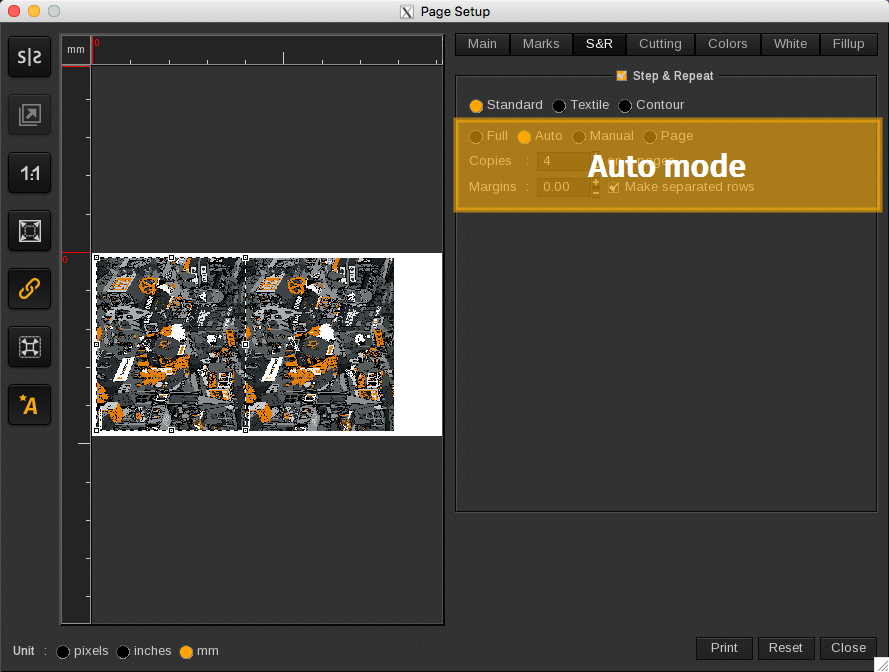
The Auto mode option combines multipage and image placement optimization in one.
When the number of copies desired exceeds the number of copies the page allows, the page is duplicated. The number of copies will automatically be doubled and no intermediate number of copies can be entered.
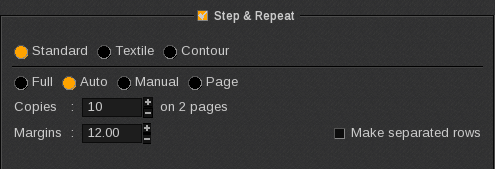
In roll mode, a “page” corresponds to one row. So even in roll mode, a maximum copy number per page exists.
In the example below there are 10 copies on 2 pages. This will result in 1 print job in the Spooler, and it will be printed twice (2 copies).
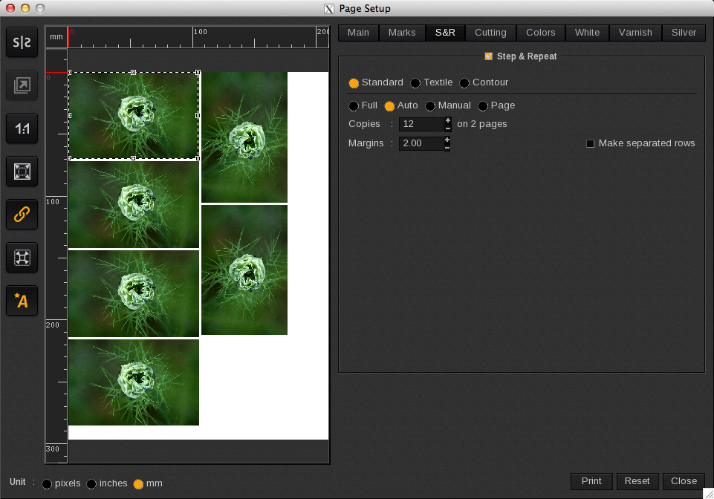
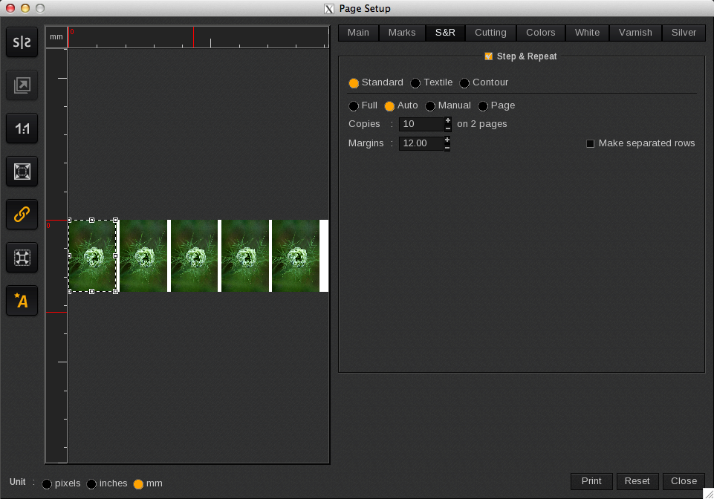
Presentation in sheet (A4) and roll format.