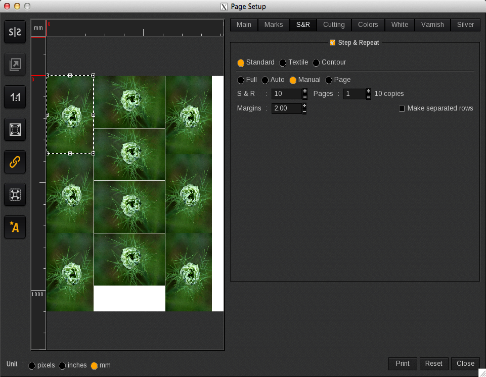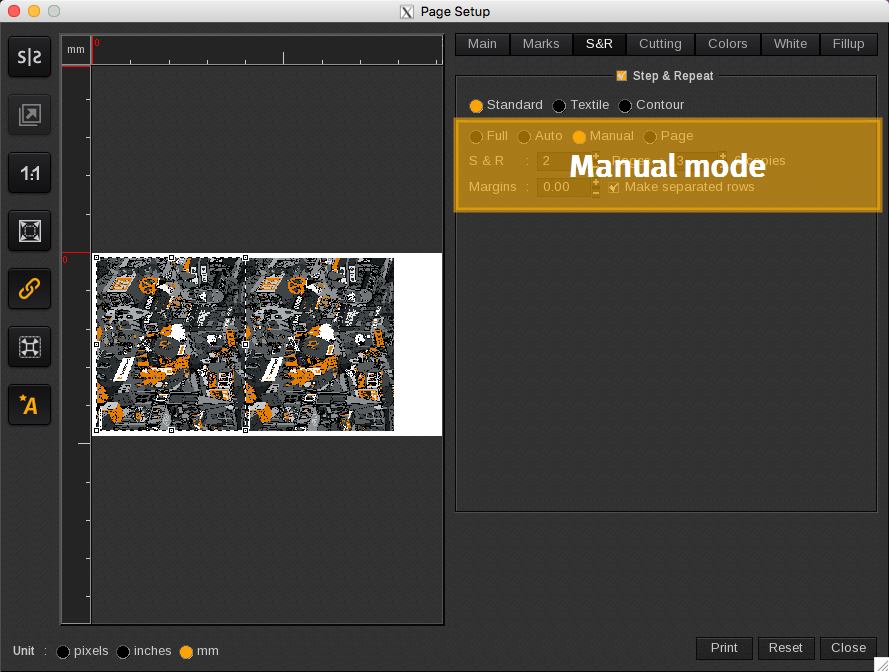
The Manual mode option allows you to specify the number of copies per page and the number of pages. You can place all copies on the same page if they fit or use the multipage option. Each page is a duplicate of the first page.
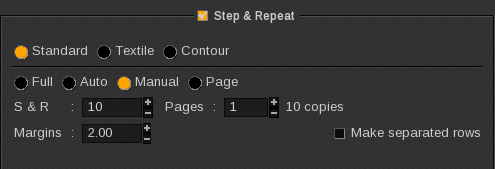
In the example below there are 10 copies on 1 pages. This will result in 1 print job in the Spooler, and it will be printed twice (1 copy).