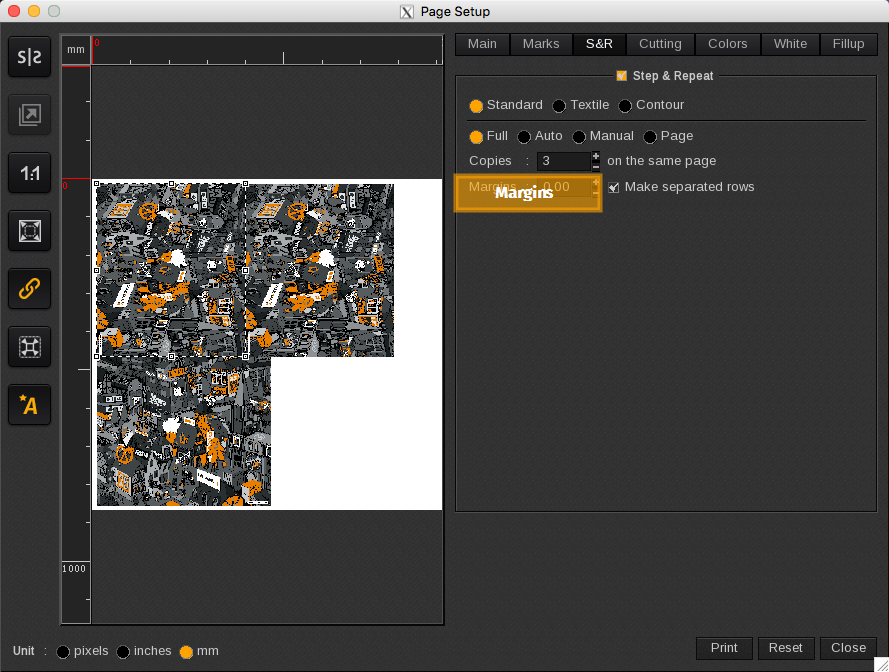
The Margins tool adds a margin or space around each copy. The margin is placed between copies on the same row and between each row, if applicable. The unit of measurement for the margins is defined in the page configuration tools.

Below are three examples of how the margins tool can be utilized.
|
|
|
|
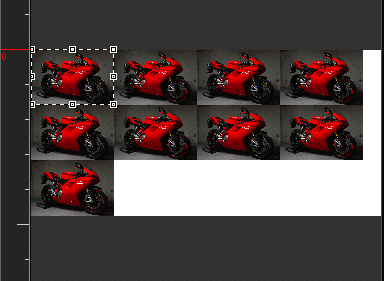
NO MARGIN: no margin or space is applied between each copy. |
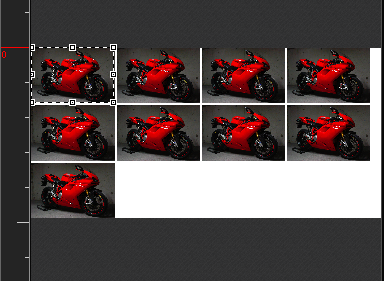
POSITIVE MARGIN: a margin or space is added between each copy and between each row. |
|
|
|
|
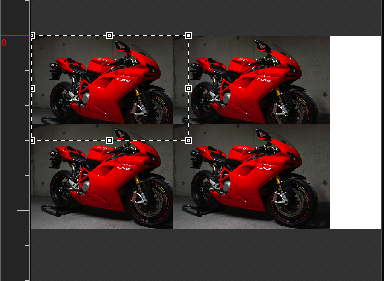
NEGATIVE MARGIN: an overlap is applied to each copy. The right copy goes above the left one and the bottom copy goes above the one on top. |
|