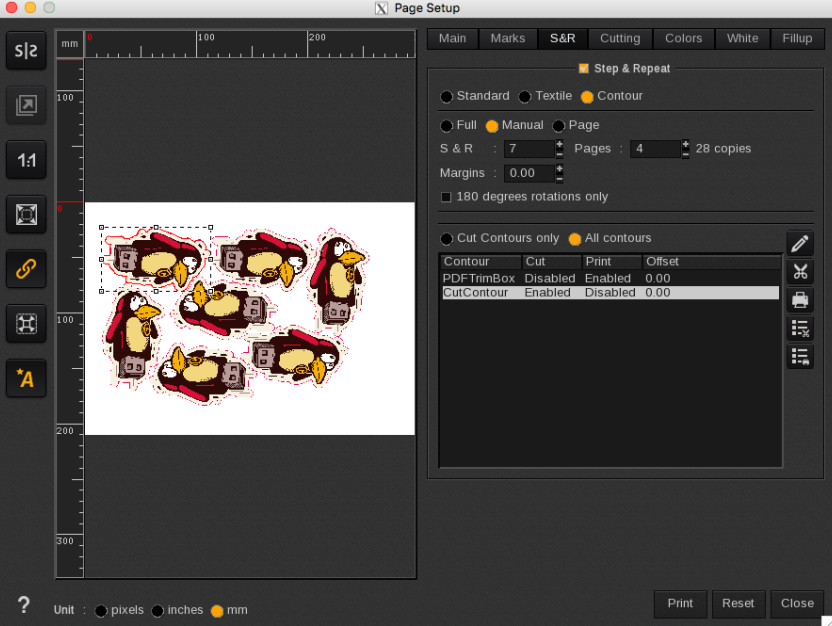
The Manual mode option allows you to specify both the number of copies per page and the total number of pages. You can place all copies on a single page if they fit, or opt for the multipage option, where each page will be a duplicate of the first.
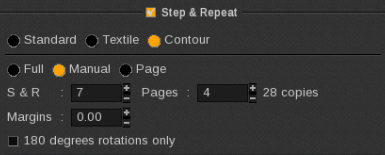
In the example below, there are 7 copies distributed across 4 pages. This will result in a single print job in the Spooler, which will be printed four times (4 copies).