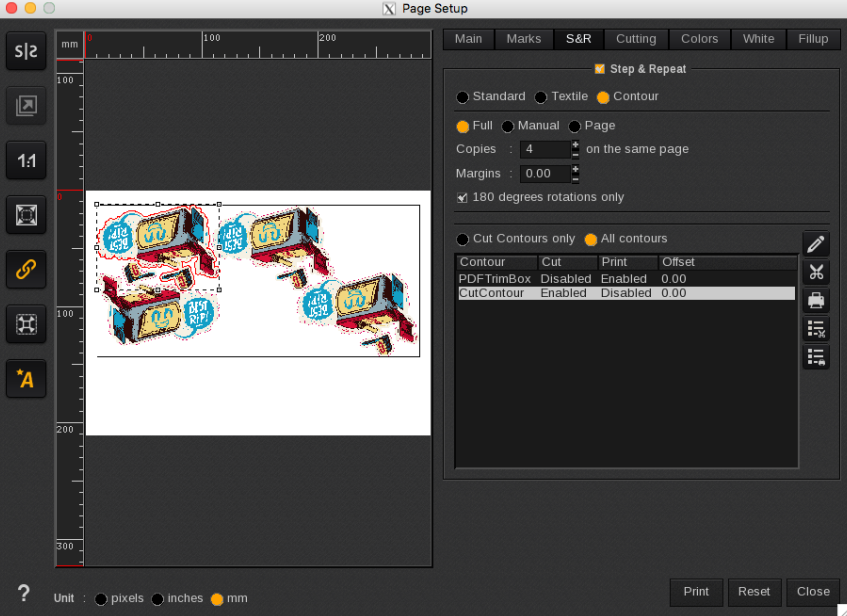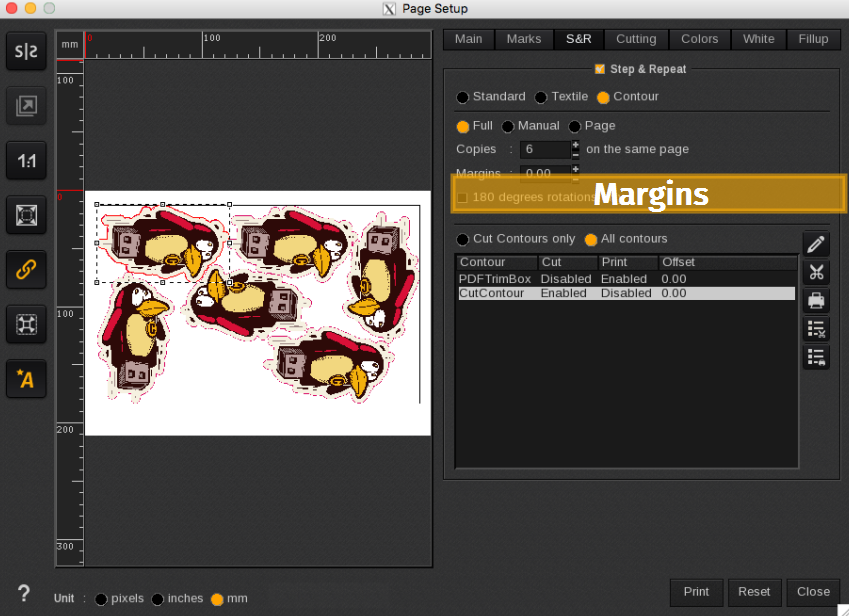
The Margins tool adds space around each copy, creating a margin between copies in the same row and between each row, if applicable. The unit of measurement for the margins is specified in the page configuration tools.

Below are two examples of how the margins tool can be utilized.
Info
Negative margins are not allowed.
|
|
No Margin: No margin or space is applied between each copy | Positive Margin: A margin or some space is added between each copy |
Rotations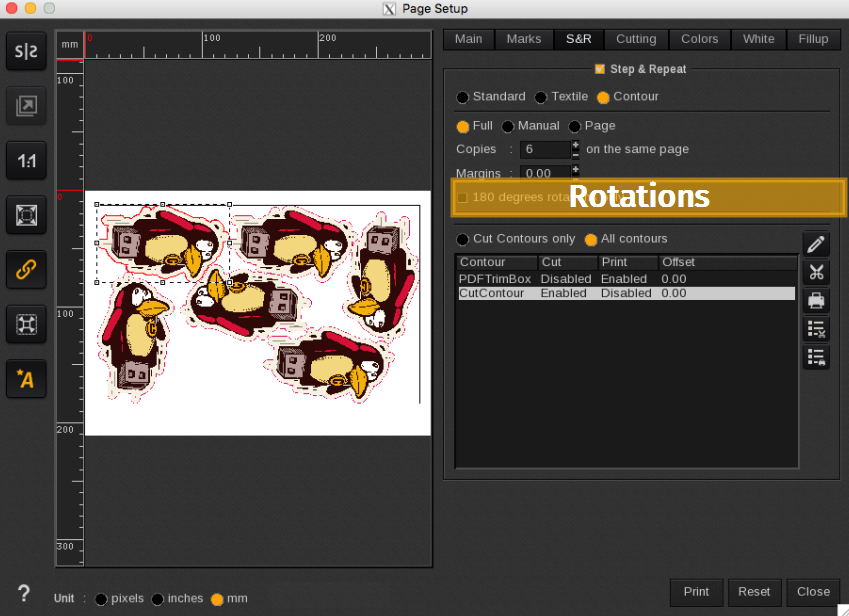
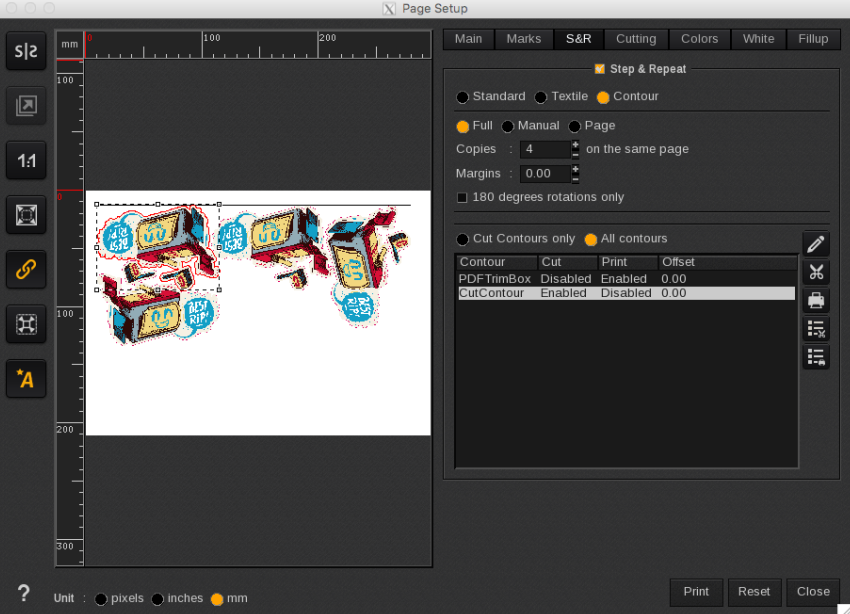
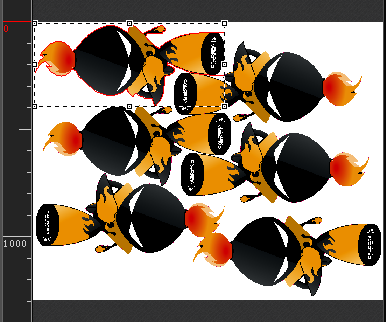
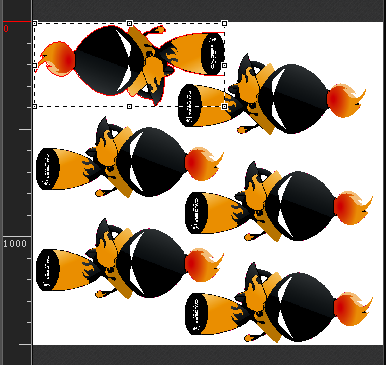
The 180 Degrees Rotations-Only checkbox restricts rotations to 0 and 180 degrees. This feature is particularly useful for fabric, textiles, traffic signs, and packaging, as it allows you to print in alignment with the fiber direction. If you uncheck this option, rotations of 0, 90, 180, and 270 degrees will be permitted.
|
|
180 degrees rotations only | All rotations allowed |