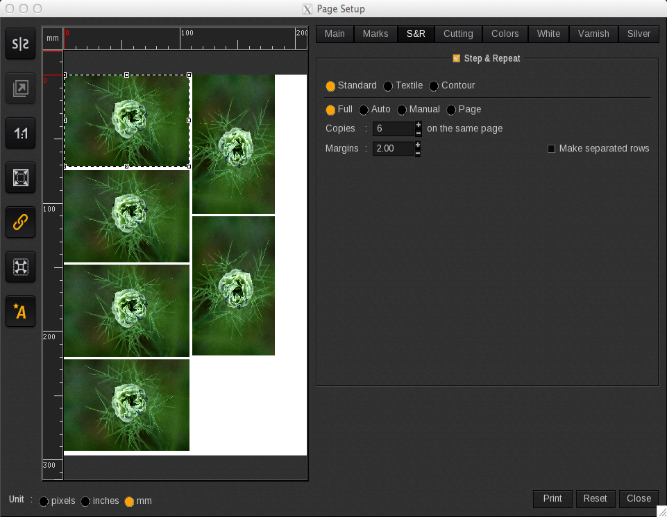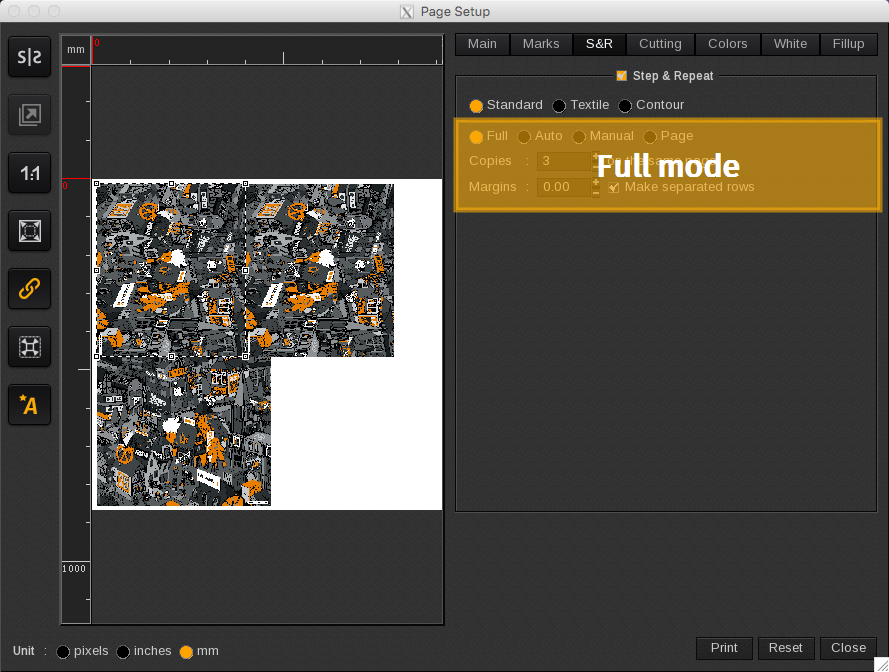
As mentioned when Standard Step&Repeat is selected there are four copy placement options available: Full, Auto, Manual, and Page.
The Full mode puts all copies on the same page and doesn’t allow for more copies than what the page allows. This option does not create more pages if the number of copies entered exceeds the maximum number of copies permitted on the page.
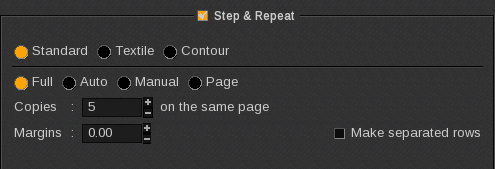
If the page format is a sheet (e.g. A4), the maximum number of copies in the print job will depend on the following:
- The image size (and the maximum number of copies that can be placed on the sheet with that size)
- The image orientation
- The make separate rows option (if enabled or disabled)
- The margins applied
If a greater number is entered into the Copies field than what the page allows, it will automatically revert back to the maximum number of copies that can fit on the page.
Note: In Full mode, the maximum number of copies is restricted to 1000.
In the example below there are 6 copies on 1 page. This will result in 1 print job in the Spooler, and it will be printed once (1 copy).