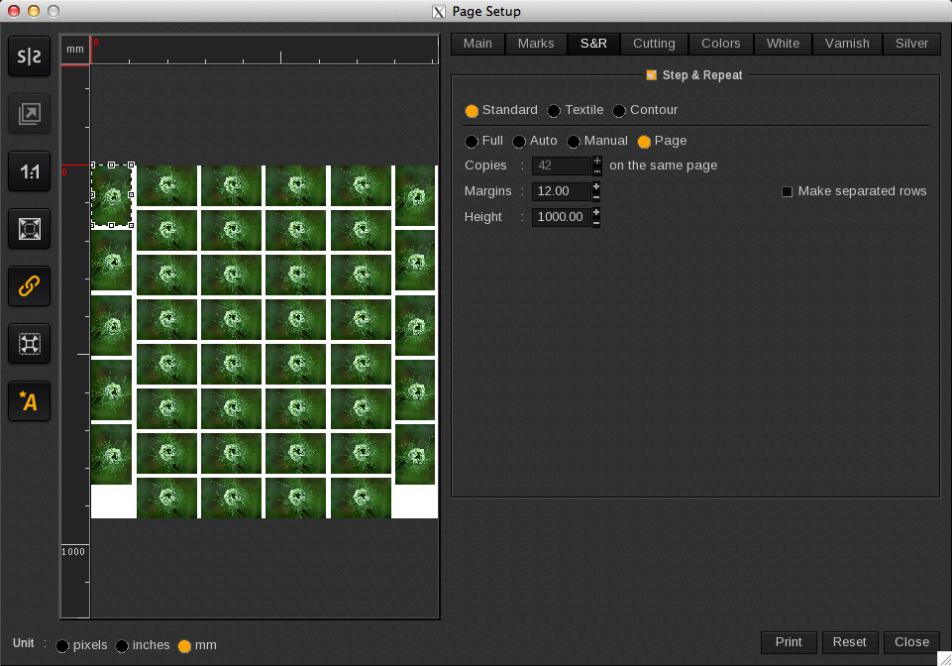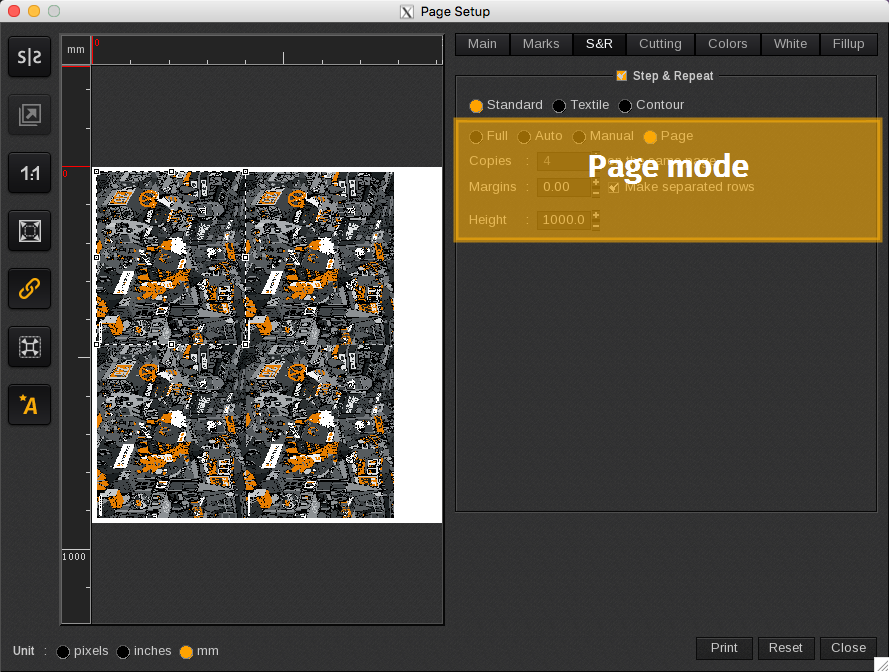
The options in Page mode are determined by the media type selected:
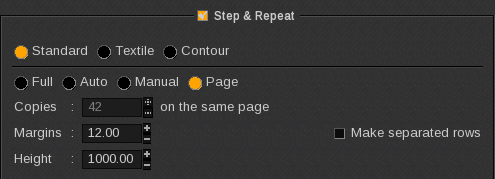
- Sheet: fills the sheet with the maximum number of copies (similar to Full mode but without the ability to choose the number of copies and to duplicate the sheet).
- Roll: specifies a height to get a “page size” and then fills the page with the maximum number of copies.
In the example below there are 42 copies on 1 page. This will result in 1 print job in the Spooler, and it will be printed once (1 copy).