What’s the drop?
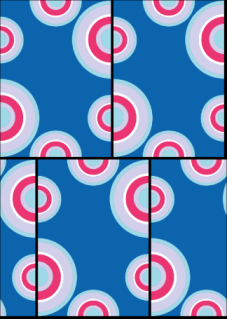
In textile printing, the image repetition side by side is not used because it creates a symmetric effect that is visually unpleasant. To avoid this, images are created to be reproduced with a drop.
The drop is either a distance or a fraction. For example a 1/3 vertical drop means that the next repetition will be placed right to the previous pattern with a drop of a third down.
Drop setup

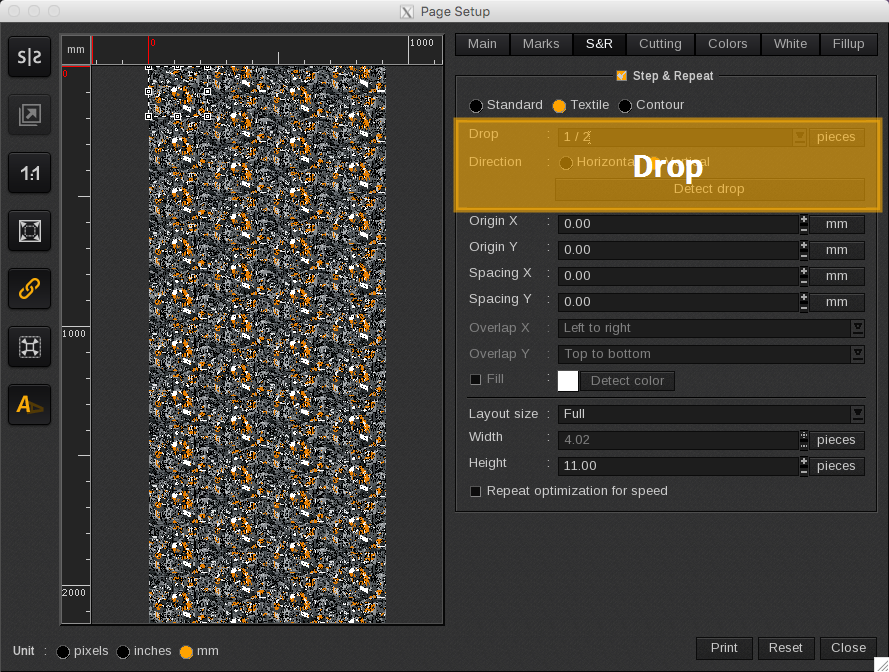
Using the Detect drop button, Tex&Repeat is able to automatically detect the image drop.
Be careful, using the detect drop button with wide images containing a large amount of pixels may take a longer processing time (up to several minutes).
This button is efficient in most cases whereas the drop can be set up manually. In this case the user will have to specify the followings:
- Drop: the drop can be indicated in number of pieces or in distance (either in pixels, inches or millimeters depending on the unit chosen for the page configuration tools).
When the drop is defined in pieces, it can be either under a fraction or a value shape.
- Direction: the direction either horizontal or vertical indicates the plan according which the drop will be done. (See examples).
- Vertical: repetitions are normally placed in columns. The repetition placed on the same line, is moved to the back with the drop size.
- Horizontal: repetitions are normally placed in lines. The repetition placed on the same column, is moved to the right with the drop size.
Drop examples
|
|
|
|
|
|
|
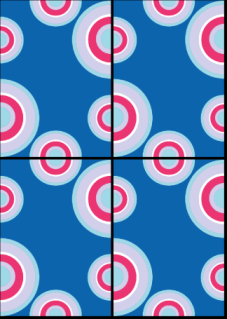
No drop
|
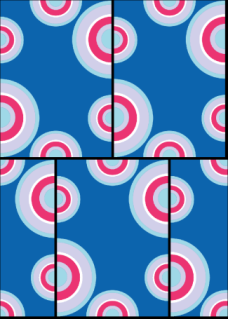
1/2 vertical drop
|
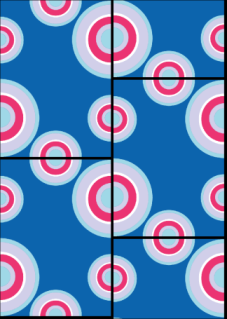
1/2 horizontal drop
|
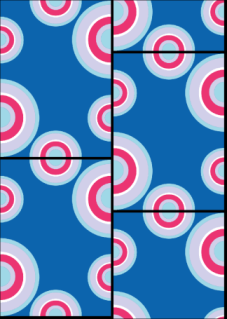
1/3 vertical drop
|
1/3 horizontal drop |