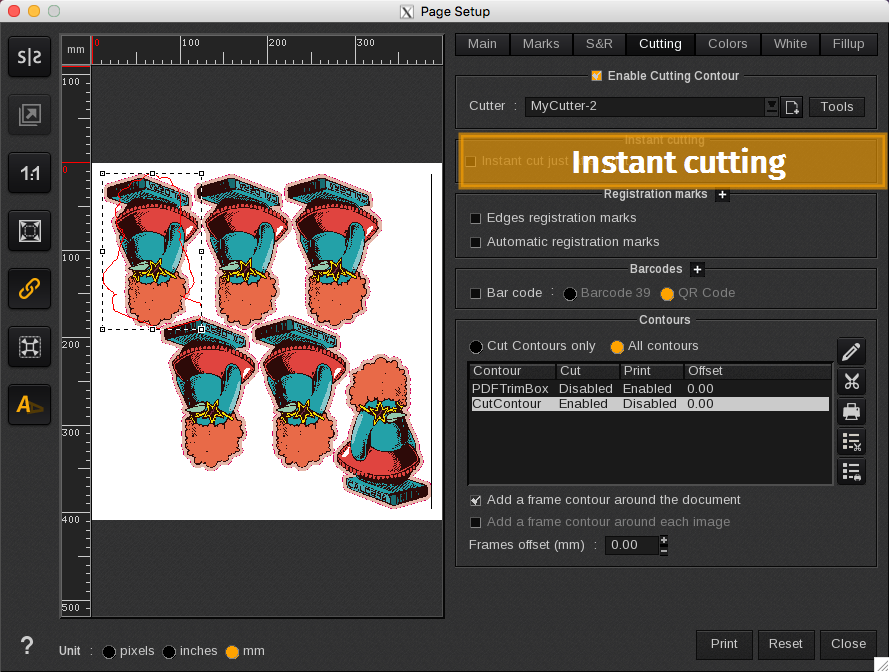
The Instant cutting area is where you select the action to print and instantly cut.

Instant cut just after print
When enabled, prints the file and then immediately cuts the file.
Use printer’s registration marks
When enabled, it generates printer registration marks to improve cutting accuracy.
Info
The best practice is to enable this feature for instant cut print jobs.
The registration marks will not appear in the preview window. This option is not available for every printer.