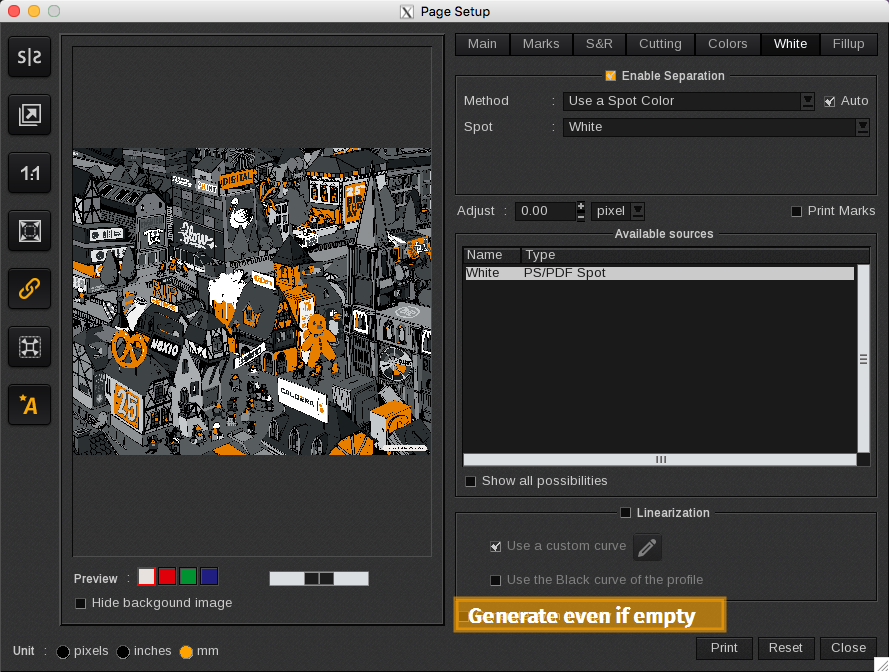
By default, the setting Generate Even If Empty is disabled:

This means that the print will not produce an empty separation, even if Enable Separation is activated. This feature is particularly useful when using a Workflow or a QuickPrint with images that may or may not contain special inks.
When enabled, it instructs the printer driver to generate an empty separation, even if there is no data available for that colorant.