From the Spot colors window click the Statistics…button to open the Statistics window.
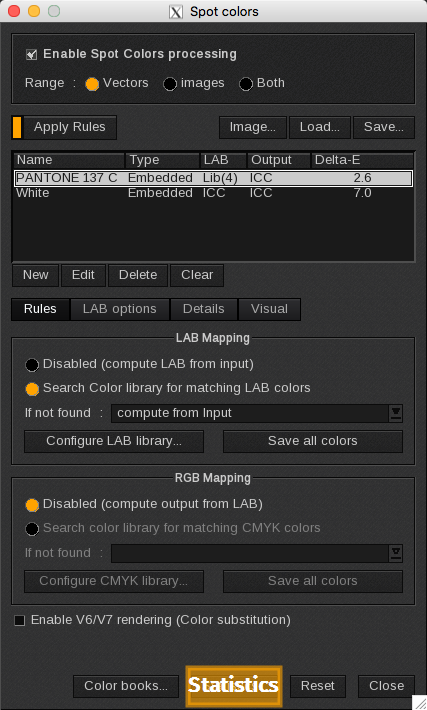
The Statistics window displays a few statistics about the spot colors in the image.
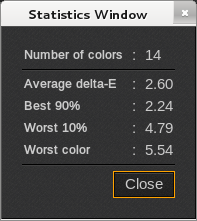
- Number of colors: the number of spot colors in the image.
- Average delta-E: average delta-E of these colors
- Best 90%: average delta-E of the 90% of colors that most accurately match the desired spot colors.
- Worst 10%: average delta-E of the 10% of colors that least accurately match the desired spot colors.
- Worst color: highest delta-E
- Close: closes the window.