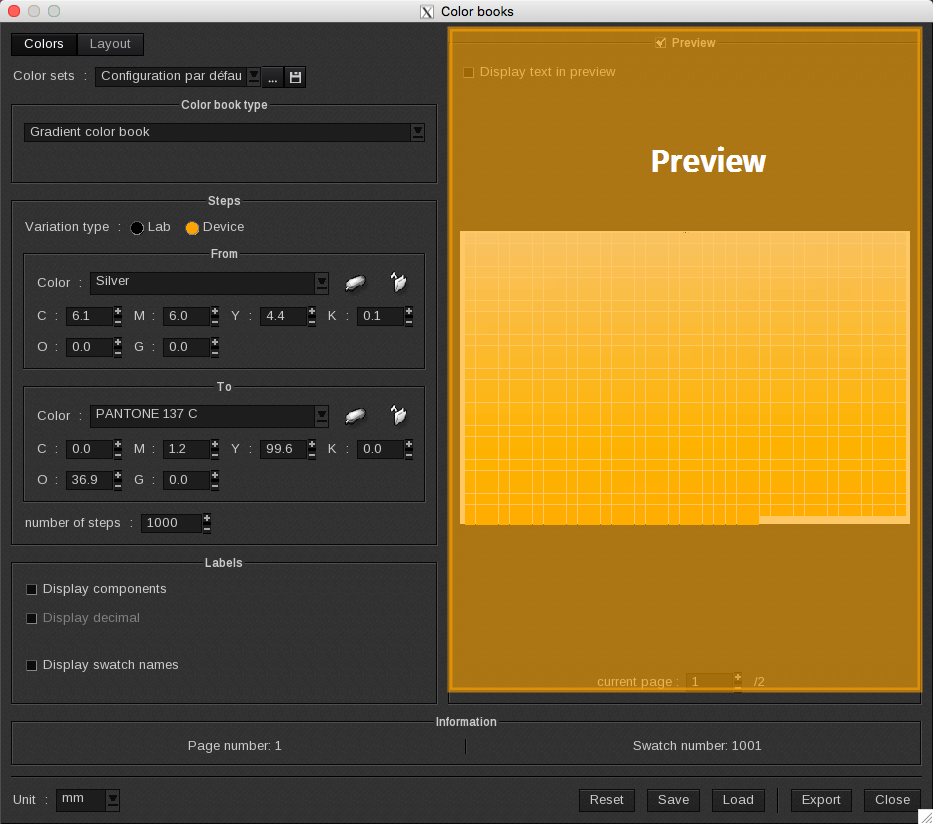
The Preview displays the ColorBook at a low resolution. The rendering is dynamic so changes are automatically reflected in the preview. The Preview is enabled by default and the checkmark appears next to the field.
Actions available
-
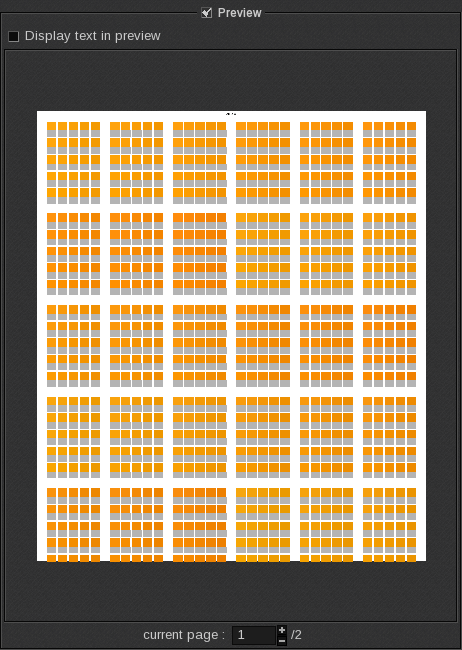
- Display text in preview: when enabled labels are displayed. This feature is deactivated by default to generate previews more quickly. Therefore, it is not recommended to activate it for full ColorBooks. When it is deactivated, the text area is shown as a grey rectangle.
|
|
|
|
Labels displayed. |
Labels deactivated. |
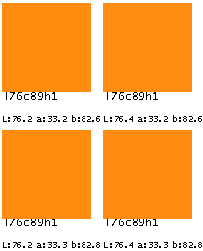
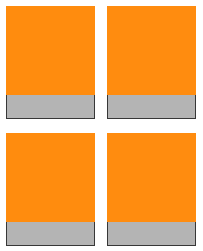
This option applies only to labels. The title and the header are displayed in all cases.
-
- Current page: Use the arrows to navigate to a different page or manually enter the page number into this field.
-
-
- Roll mode: The preview automatically divides a Colorbook being printed in roll mode into several sections to ensure the preview feature still works. The number of sections is indicated by a fraction. For example, 1/3 indicates that the first of three sections is being displayed in the preview. In the final print, the color swatches will be on the same document.
-
|
The following actions are available in every Caldera RIP preview module:
These actions can also be used in the ColorBook, in the Display and the Print module under Page Setup. Note: Unlike other modules, you cannot use Alt + R keys to reset the preview. |
Red cross display
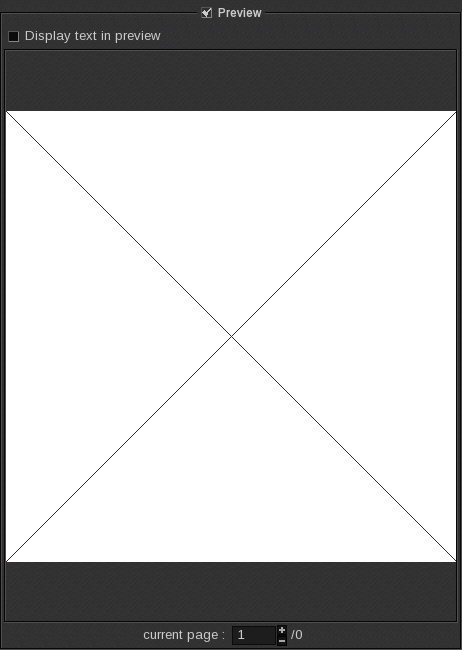
A red cross indicates that a ColorBook cannot be generated. This may be caused by:
-
- The ColorBook type is “from a spot color library” and the selected library is empty.
-
- The size of swatches is larger than the print area so no swatch can be placed on the media.
-
- There are too many swatches.
On-hold message
A large ColorBook may take awhile to appear in the preview. When the message Preview is being computed appears, the cursor cannot be used.
Preview is being computed
Preview deactivation
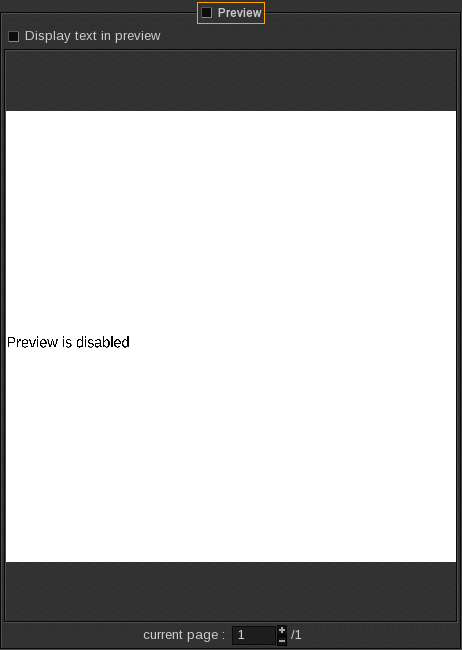
To disable the Preview, uncheck the box next to the field in the window. The message Preview is disabled will appear when the Preview has been disabled. The Preview is enabled by default.
It is useful to disable the preview when making several changes to parameters. Make all of your changes and then enable the feature to view your changes in the Preview window.