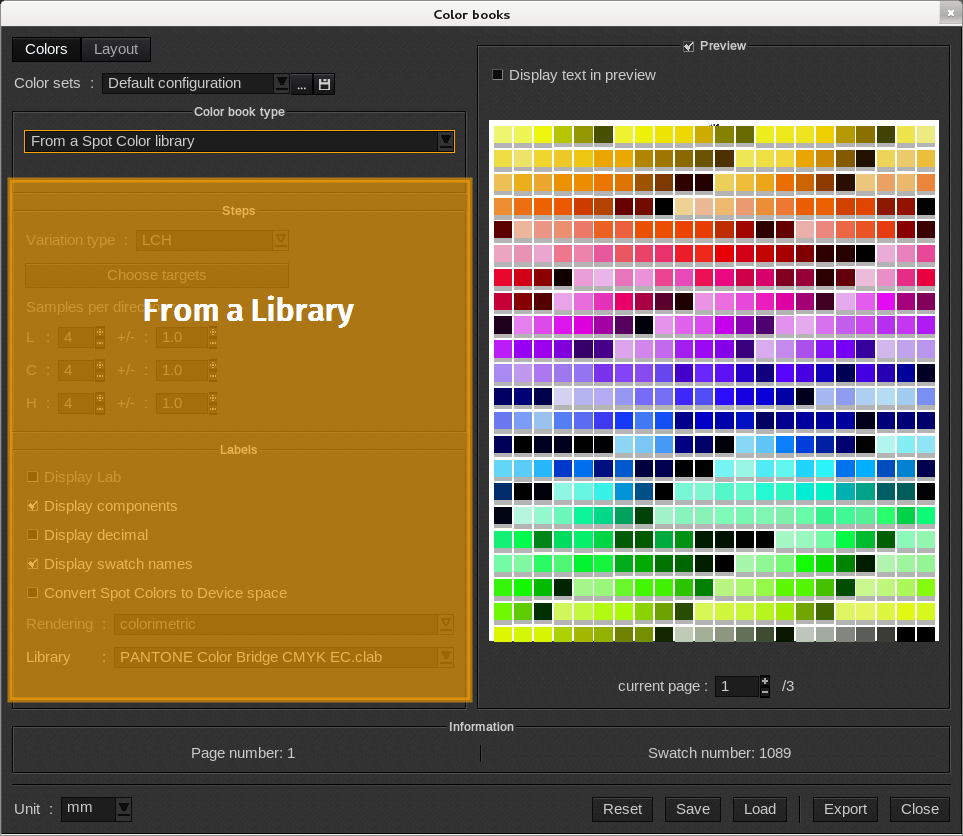
When Color book type is set to From a Spot Color library the ColorBook utilizes the parameters in the Spot Color library. It can be a HKS, NCS, Pantone, PPG, RAL or a personalized library created in the Spot Color management section. The PDF created contains all colors in the order as specified in the library. The colors are placed by following the order in which they are listed.
Labels
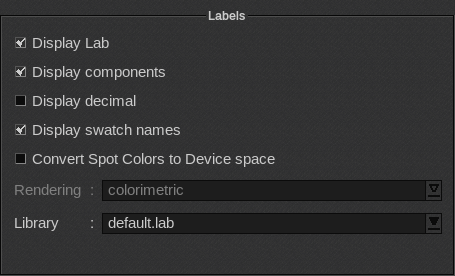
The Labels area allows you to define the information that will be reflected on the PDF label for each swatch.
-
- Display Lab: displays the LAB components when they are available. If the selected library has the .clab extension it means that it is encrypted and that the LAB components are not available. In this case, the checkbox is grayed out.
-
- Display components: displays the value of each ink as a percentage.
-
- Display decimal: displays the LAB components with the first decimal when available.
-
- Display swatch names: displays the swatch name of the library.
-
- Convert Spot Colors to Device space: converts the colors into the device space defined by the ICC profile. When enabled, the colors no longer refer to the Spot Colors and the ColorBook must not be used with another printing configuration to keep its colorimetric meaning.
When Convert Spot Colors to Device space is disabled, the swatches keep the library colorimetric information and the Spot Color management has to be used when the ColorBook is printed. In that case, the PDF file created contains the entire library of Spot Colors that is recognized by Caldera RIP as true Spot Colors.
-
- Rendering: choice of the ICC rendering used when the Spot Colors are converted. The possibilities are: perceptual, colorimetric, saturation, absolute, opt. colorimetric (optimized) and opt. absolute (optimized). The selected rendering is automatically added to the header.
-
- Library: choice of the Spot Colors library from which the ColorBook will be created. The libraries list is obtained from the Spot Color management window.
Example:
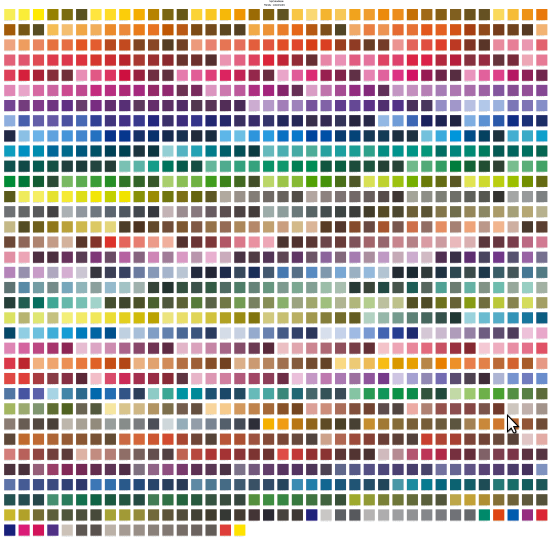
In the example below the PANTONE Solid Coated.clab library has been selected. The spot colors have been converted into the device space. Here is the result: