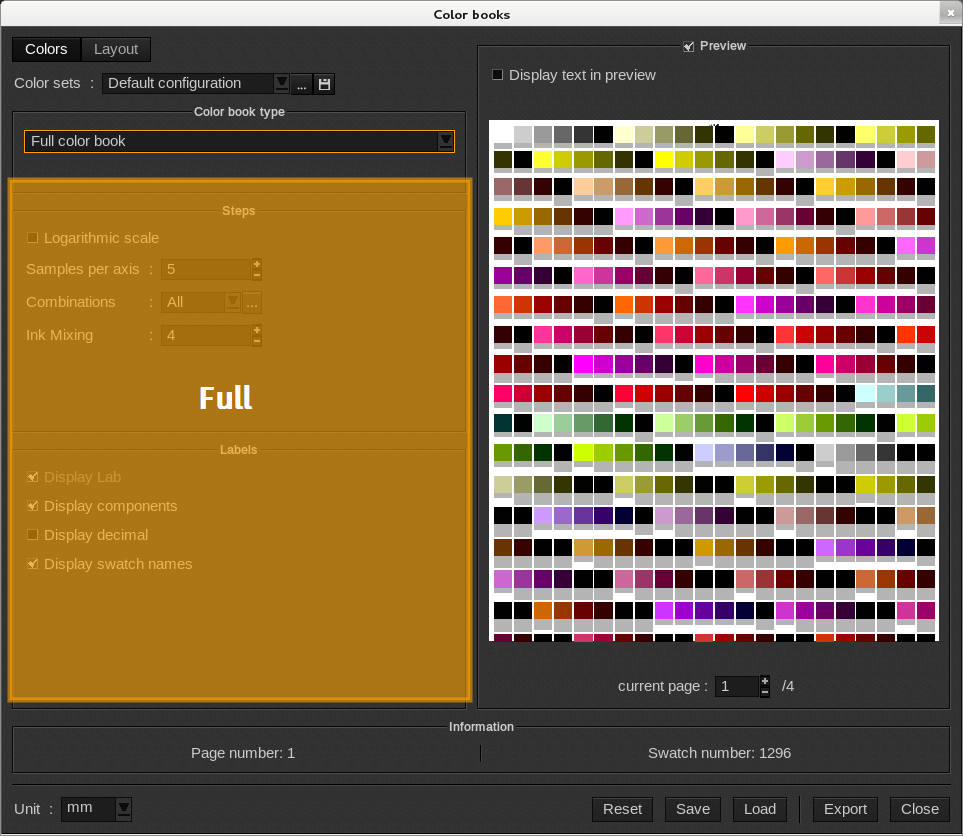
When the Color book type is set to Full color book, it generates a full ColorBook. No particular ink restriction is made and the number of swatches and the number of inks mixed are defined in the Steps area. The Labels area allow you to specify the information displayed in the Swatch labels.
Steps
When the Color book type is set to Full color book, the following Steps options appear.
-
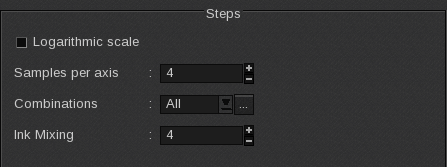
- Logarithmic scale: adds a logarithmic scale to the sample creation. The ink variations are more gradual and give priority to light tones.
-
- Samples per axis: the number of samples determine how many intermediate values will be represented between the initial value and its limit. The values are regularly placed with the same distance between them. The initial value is 0% and the limit is 100%
-
- Ink Mixing: the number of inks that can be mixed at the same time according to the defined combinations.
-
- Combinations: choice of the inks that will be able to vary from their initial value mixed with another ink. Clicking the […] button will open the Choose allowed ink mix window.
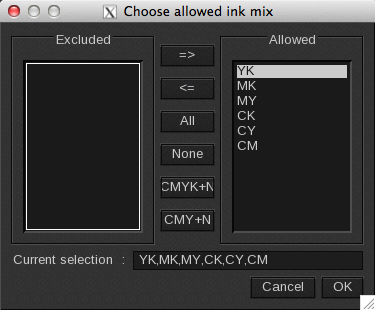
By default, all combinations are allowed. Several actions are available:
-
-
- Excluded and Allowed: the available column indicates the ink combinations that will not be used. The arrows move one combination from one column to the other.
-
If ink such as Orange and Green are defined for the current profile, all combinations that can be made with them will also be available.
-
-
- All selects all combinations while None deselects them.
-
-
-
- CMYK + N: all CMYK and NColor ink combinations are selected whereas only NColor combinations are not.
-
Example: if the mode is CMYKOG: CM, CY, CK, CO, CG, MY, MK, MO, MG, YK, YO, YG, KO, KG will be selected whereas OG won’t be selected.
-
-
- CMY + N: all CMY and NColor ink combinations are selected whereas only NColor combinations are not.
-
Example: if the mode is CMYKOG: CM, CY, CO, CG, MY, MO, MG, YO, YG will be selected whereas CK, MK, YK, KO, KG, OG won’t be selected.
-
-
- Current selection: shows the current selection. The desired ink can be manually entered here and the combinations will automatically be calculated. Couples, triplets, or quadruplets can also be entered with a space, a coma, or a “/”.
-
-
-
- Cancel: closes the window without saving the changes.
-
-
-
- OK: saves the changes and then closes the window.
-
Labels
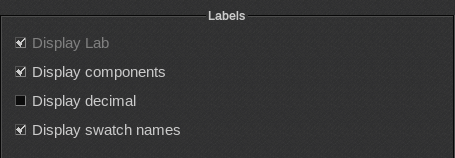
When the Color book type is set to Full color book, the following Labels options appear.
-
- Display Lab: unsupported option.
-
- Display components: displays the value of each ink as a percentage.
-
- Display decimal: displays the value with the first decimal.
-
- Display swatch names: the swatch’s name is its component values and is rounded to the nearest unit.
Examples:
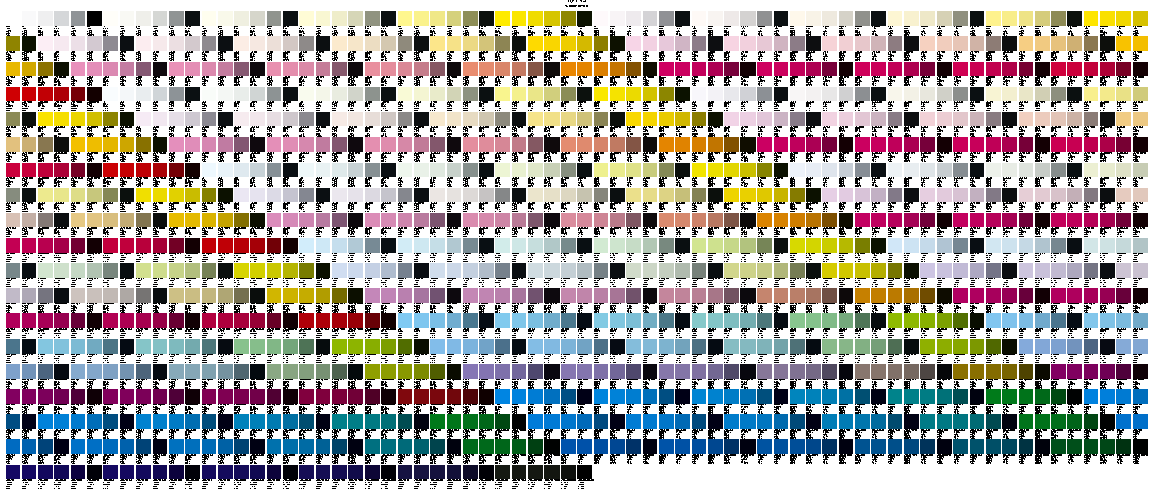
For the first example, the number of samples is 5 and the max ink limit is selected. Swatch names and components are both displayed.
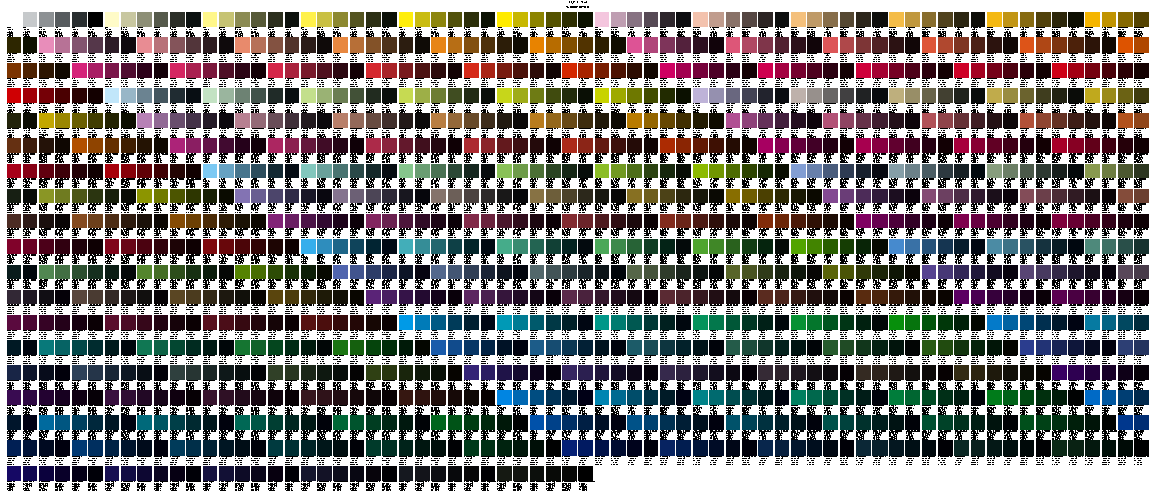
For the second example, the number of samples and the max ink limit are the same. The logarithmic scale is enabled.