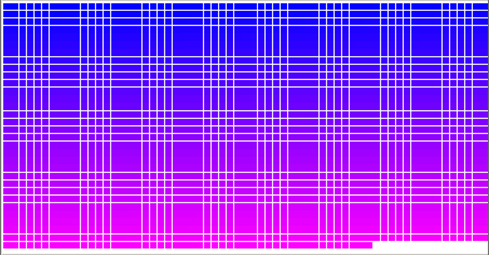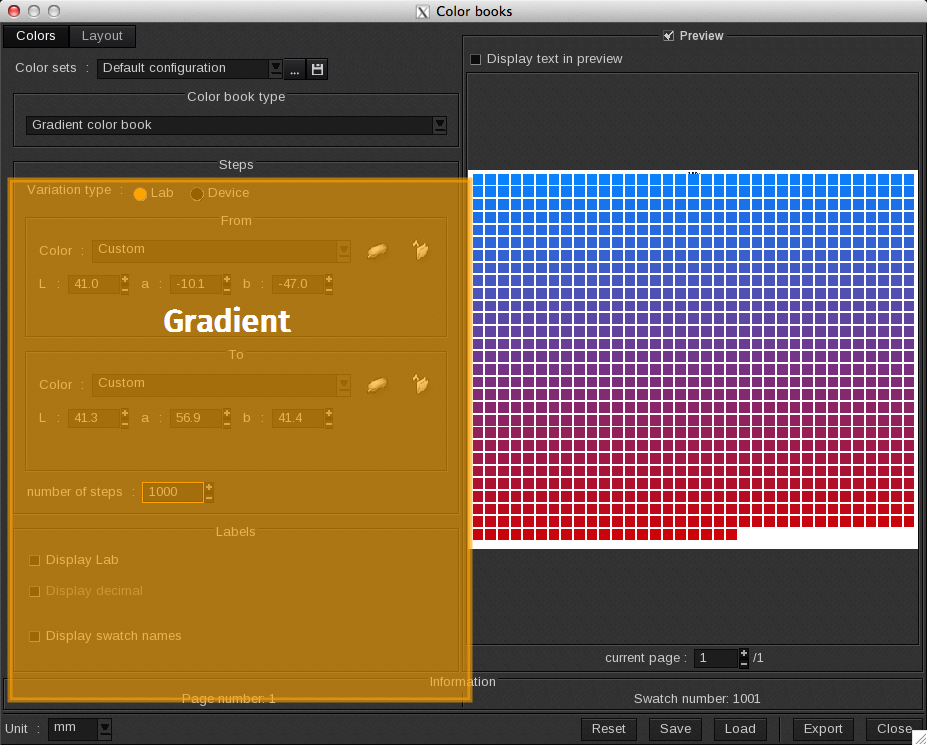
When the Color book type is set to Gradient color book, the ColorBook utilizes a starting and a finishing color to create a gradient.
The number of swatches and the two colors are defined in Steps section. The Labels area allows you to define information displayed in the swatch label.
Steps
When the Color book type is set to Gradient color book, the following Steps options appear.
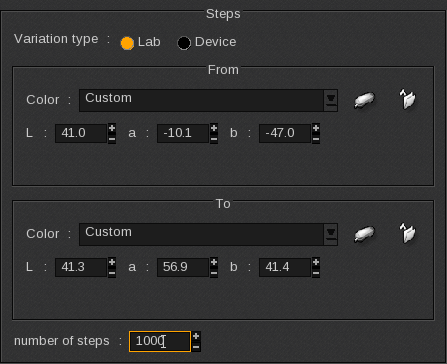
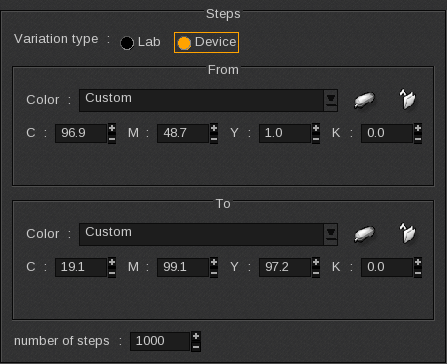
Two Variation types exist: Lab or Device. The only relevant change between them is the color space used to define the colors: LAB space or the device space which is CMYK here but can also be CMYK+N with additional colors.
-
- From: sets the starting color that will be at the top of the ColorBook.
-
- To: sets the finishing color that will be at the bottom of the ColorBook.
-
- Color: choose the color among the image’s Spot Color or:
-
-
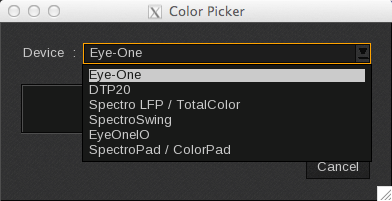
 : Select the spectrophotometer icon to measure the starting or finishing colors with one of the supported spectrophotometers.
-
-
-
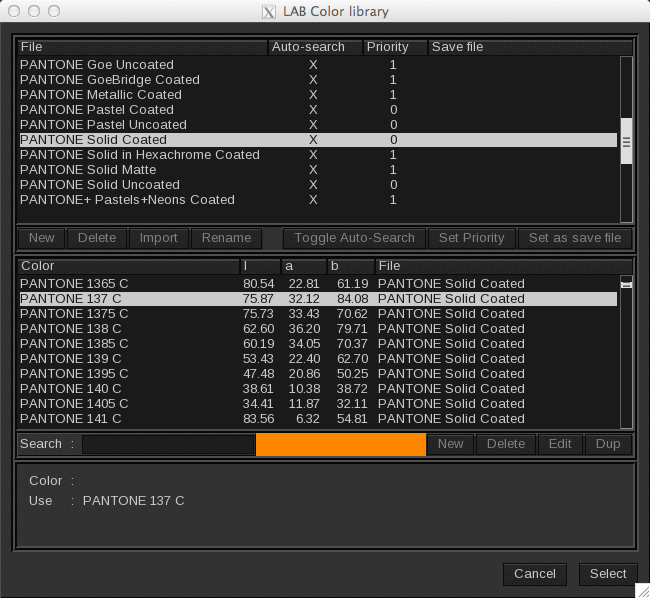
 : Select the folder icon to search for the starting or finishing colors in the available spot color libraries.
-
-
-
- Alternatively you can manually enter the values (CMYK+N or Lab) for the starting and finish colors.
-
-
- Once you set the From and To colors, you can indicate the number of swatches to create between the two colors in the number of steps field.
If the colors are identical or very close, the number of steps or swatches might be automatically reduced in the preview because only different color swatches are displayed.
The minimum number of steps allowed is 1 and this display only the From and To colors.
The ColorBook total number of swatches corresponds to “number of steps” +1.
The maximum is 100,000 steps which means your maximum number of swatches is 100,001.
Labels
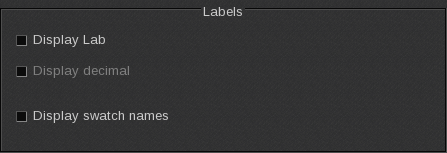
When the Color book type is set to Gradient color book, the following Labels options appear.
-
- Display Lab / components: displays the value of each ink as a percentage.
-
- Display decimal: displays the value with the first decimal.
-
- Display swatch names: the swatch is named with it’s component values rounded to the nearest unit.
Examples:
For the first example:
-
- Variation type is Lab
-
- From color: Pantone 137C
-
- To color: White
-
- Number of steps: 2000.
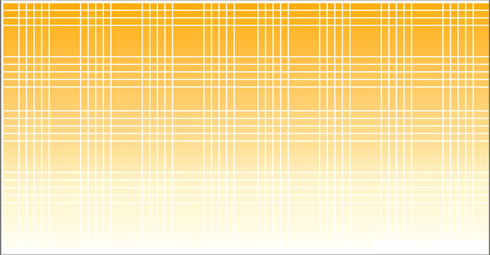
For the second example, the gradient is done from one color to another (not to the white like the previous example).
-
- Variation type is Device
-
- From color: Blue (C: 100%, M: 100%, Y: 0%, K: 0%)
-
- To color: Magenta (C: 0%, M: 100%, Y: 0%, K: 0%)
-
- Number of steps: 2000.