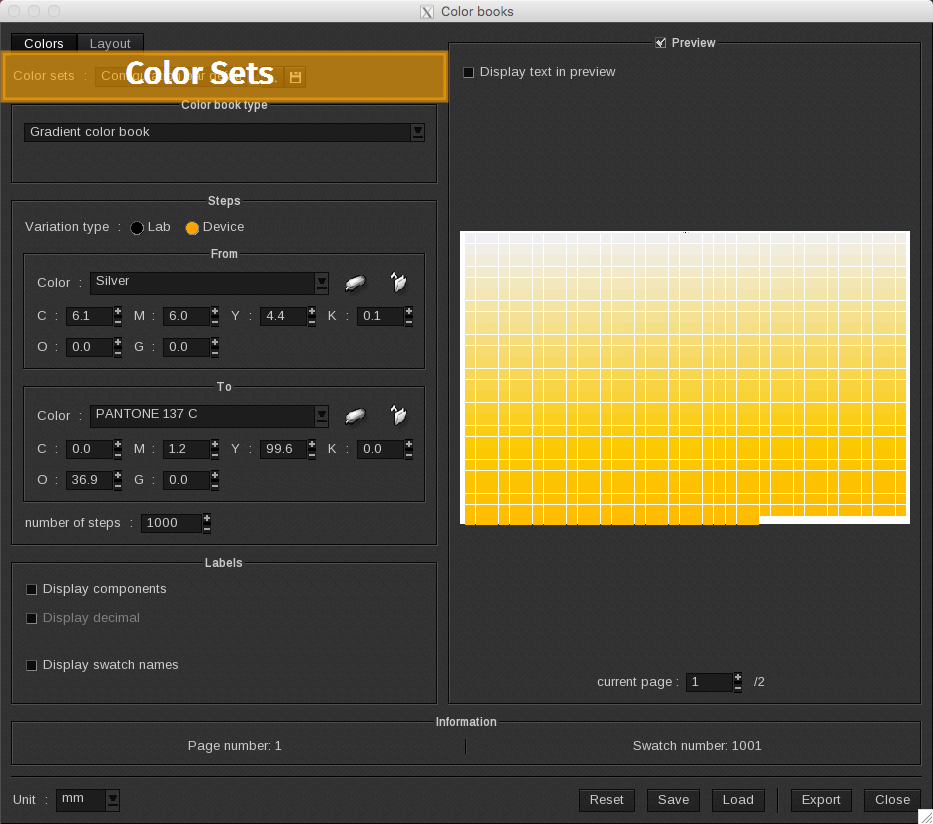
This feature allows you to define several color sets to be incorporated into the current ColorBook.

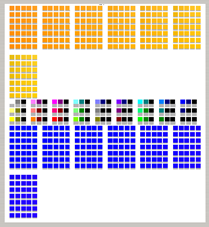
When printed, the document will contain all defined ColorBooks. The preview will automatically update and reflect the additional ColorBooks.
Add and save
To add a custom color set to the list, click on the floppy disc icon and assign a name to the color set.
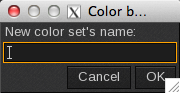
Two things happen when you add a new ColorBook to the list:
-
- The current ColorBook is saved with the name indicated in the Color sets field.
-
- A new ColorBook is added at the end of the list with the assigned name and the current values.
Note: When you select a ColorBook from the list and make changes, those changes are automatically saved.
Sort
To sort your Color sets list, click on the […] button. The Color sets management window opens.
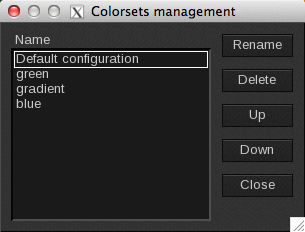
From this window you can: Rename the selected ColorBook, Delete it, move it Up orDown the list or Close the window.
The order of the ColorBooks in the list is important because this determines their order in the preview.