It is very important that your printer is correctly set before the calibration. Indeed, your profile will be valid for your printer in the condition of the calibration. If you find after the profiling that the head needs to be realigned and you do it, the profile you made with the misaligned head will not be correct and you will need to redo the profile.
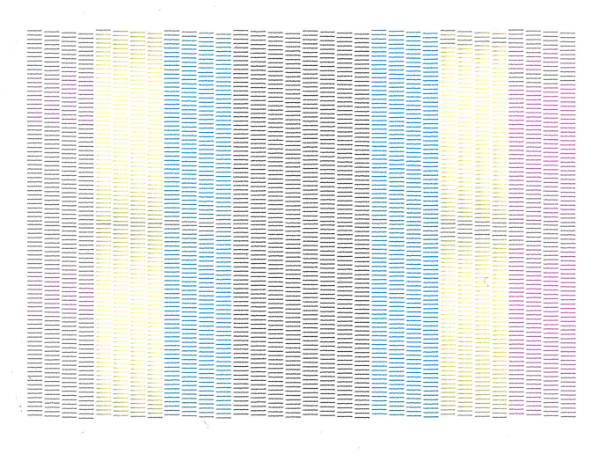
Launch the nozzle test on your printer to check if one or several nozzles are plugged and need a cleaning.
Examples:
|
Problem: The head is dirty Origin: Usually an ink drop is stuck on the print head. Consequences: the phenomena replicates on the printed charts. None of the colors is correctly printed. Solution: Manual cleaning of the print head. |
|
|
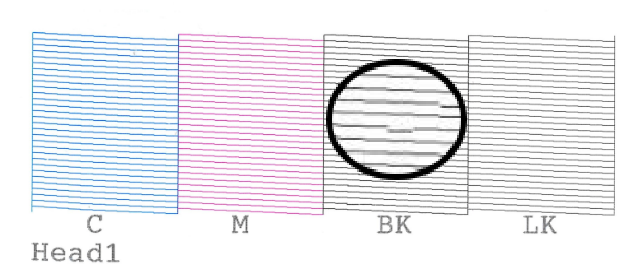
Problem: Some nozzles shifted Origin: Ink is stuck in the head The drop are sent crooked Consequences: Lines are overprinted / white, banding, it is similar to clogged nozzles. Solution: Print head cleaning |
|
|
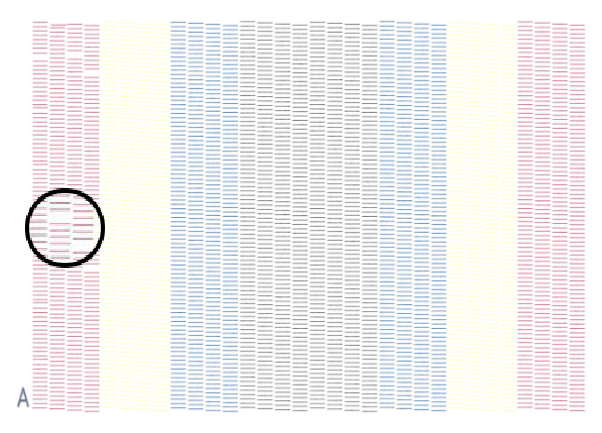
Problem: Nozzle missing on the nozzle test Origin: Some nozzles are clogged Consequences: Tint areas are printed with stripes which means that some nozzles are clogged. The density will be deformed, especially if the stripe appears on the spectrophotometer’s reading area. A banding phenomena can be seen due to ink migration on the media around the badly-inked area. The profile will be completely wrong if the nozzles are unblocked afterwards: the density will be different and so will the colors too. Solution: Clean the nozzles before doing the calibration |
|
|
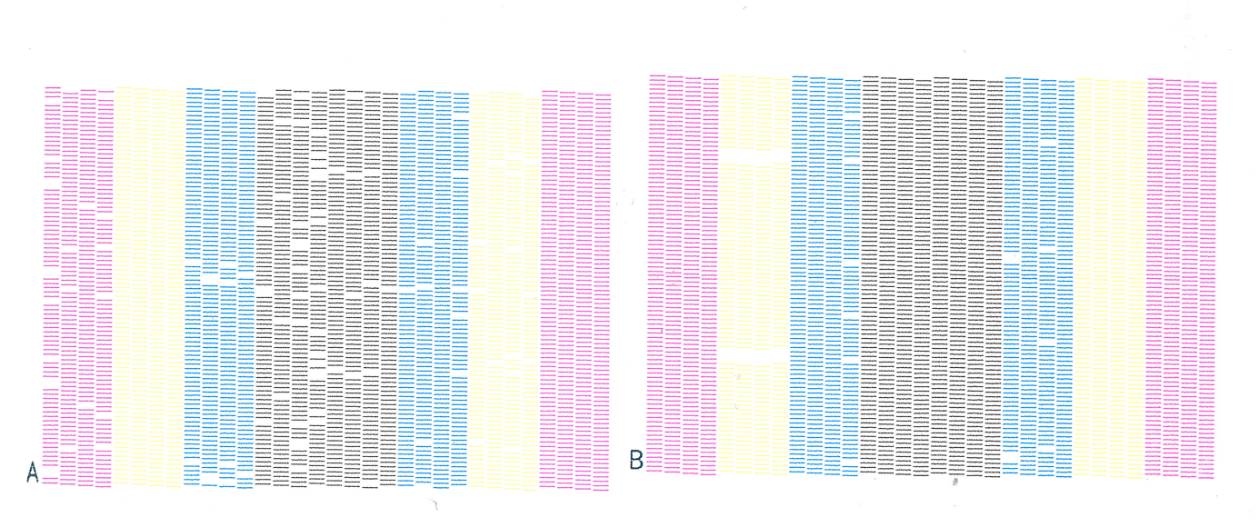
Problem: More nozzles are missing on the nozzle test. Origin: Clogged nozzles Consequences: Stripes will strongly appear on the printed targets. Solution: Clean the nozzles before doing the calibration |
|