It is very important that your printer is correctly set before the calibration. Indeed, your profile will be valid for your printer in the condition of the calibration. If you find after the profiling that the head needs to be realigned and you do it, the profile you made with the misaligned head will not be correct and you will need to redo the profile.
The following document allows you to check your print heads alignment. You can find it on Caldera’s test print or download it directly from our online platform.
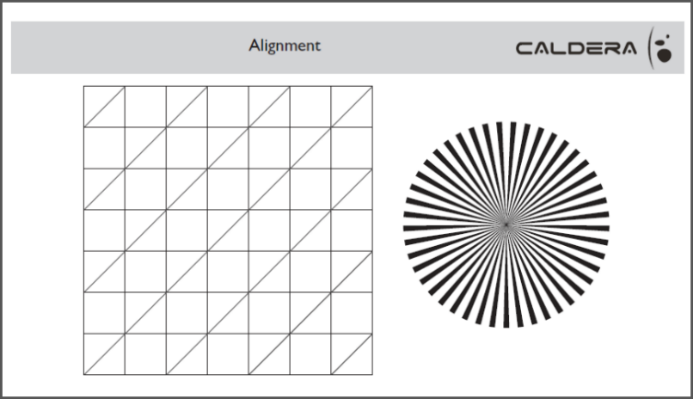
Note: bidirectional and advance adjustment problems can be combined.
Examples and meaning:
|
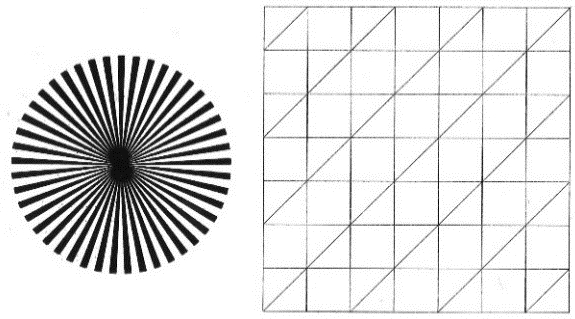
No problem The central point can seem bigger than the expected one (source file). It depends on the printer’s ink limit and its drop size. Here everything is ok. |
|
|
Problem: Vertical lines are split, an 8 appears in the center of the circle (due to the vertical lines split nearby the center). Origin: The bi-directional is not adjusted Consequences: Blur phenomena around the drawing that should be clear (contours, characters, etc.) Automatic spectrophotometers might misread the calibration targets Solution: proceed with a bidirectional alignment of your print head (please refer to your printer manual) |
|
|
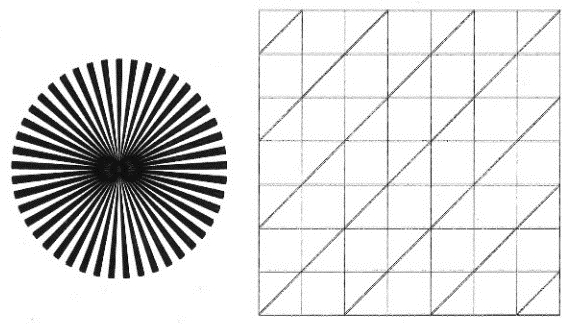
Problem: Horizontal lines are split, an ∞ appears in the center of the circle (due to the horizontal lines split nearby the center) Origin: Feed adjustment problem: the passes connection is flawed. Consequences: Split of horizontal lines, over-inked areas or lack of ink, banding. Solution: Set the feed adjustment on the printer. It is sometimes possible to adjust the feed on Caldera RIP, however, we do not recommend you to do it, especially if you want to use the profile on another printer. |
|
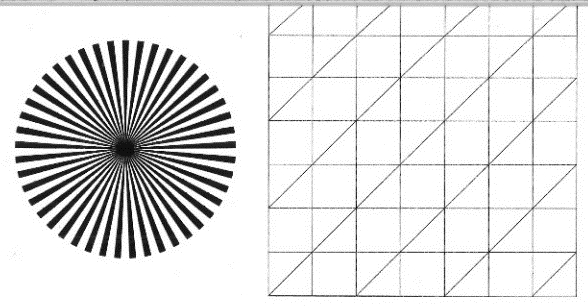
Bad alignment and sublimation
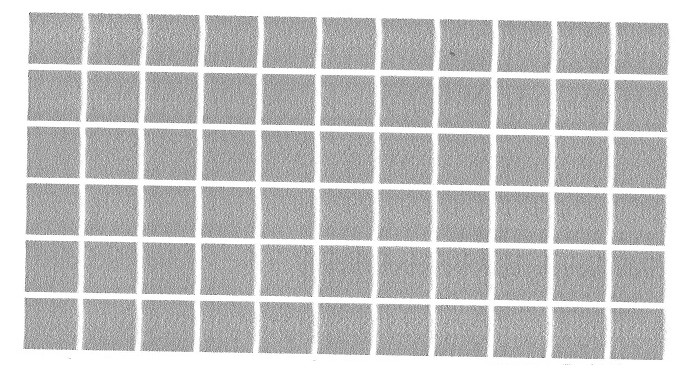
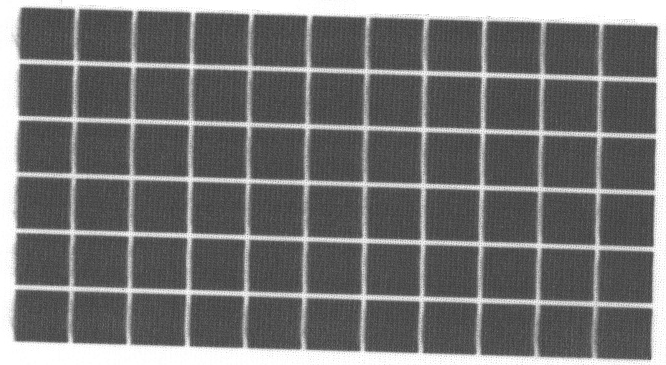
You might not see a manifest bad alignment on the transfer paper but even a little deviation will be very visible on the sublimated media as you can see on our example. We strongly recommend you to be careful with the alignments even if the gap seems to be very light.
|
Transfer paper for sublimation. Here the bad alignment can be seen only with a close look: black dots can be seen between the patches. |
|
|
Sublimated version. Here the grain is visible to the naked eye. This is due to a bidirectional misalignment. |
|