It is important that your spectrophotometer is in good shape and sends you only correct measurements and values.
Be careful, a spectrophotometer measurement has a certification date (generally 2 years after the last check). When the date has passed, the device has to be checked again by an accredited organization.
EasyColor and TotalColor
The following solution can be used either for TotalColor and EasyColor spectrophotometers as well as for the corresponding Barbieri devices.
- Open EasyMedia*.
- Select your printer.
- Create a new project.
- Start your project and continue until you arrived at the first target measurement.
- Click the Setup button next to the device selection.
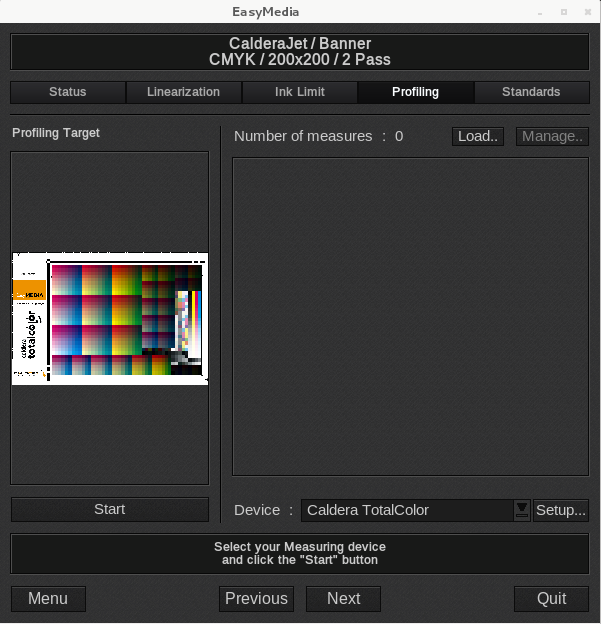
- Then select: « Service Report ».
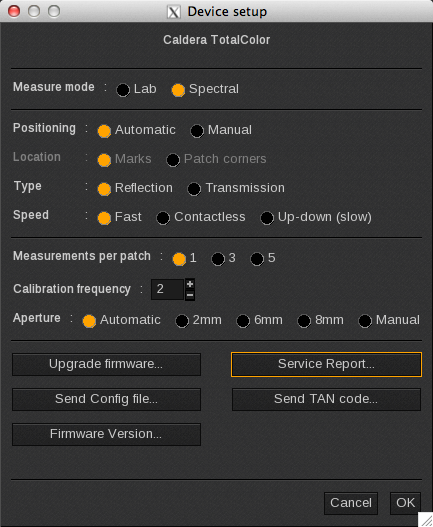
- Remove the sample holder then launch the test by clicking Continue.
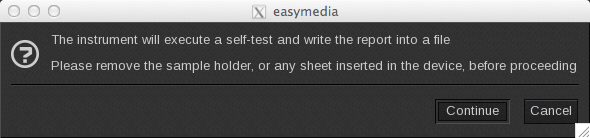
- You will be told, at the end of the process if your spectrophotometer is ready to be used or not.
- The test report named: barbieri-report.txt is created in the /tmp folder.
White Point consistency
Reflection mode
On TotalColor, the white point is measured with the use of the following strip placed under the reading head:
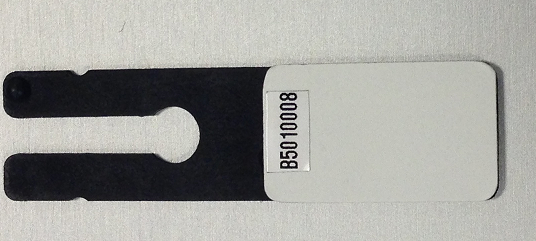
When there is a problem with the white point consistency, you must first check the integrity of this strip:
- Presence of dirty marks
- Scratch
- Mechanical problem that prevents the strip from coming out, partially or entirely, and the media is red instead.
- Remember, the strip has a validity date. If it is over, we strongly recommend you to change it.
Transmission mode
On the TotalColor, the transmission mode white point is on the table, under the head with an incandescent lamp under it.
The measures and checks listed for the reflection mode apply too: cleanliness and global shape of the strip.
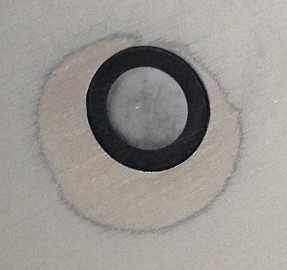
We can see that the area is dirty in our example.
Scratched targets
When you use the automatic table TotalColor, be careful that the contactless measure is active. If your media is too close to your measurement device, it can scratch the target before the swatch’s measurement so the values can be wrong.

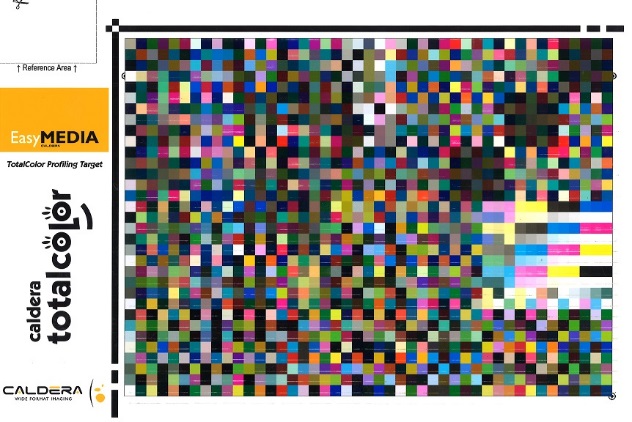
i1Pro2
On i1Pro2, when the white point test is made, if the measure is too far from the reference one, the device flickers, and you are not allowed to pursue the measurement.
White Point consistency
On i1Pro2, the strip (1) is on the device’s stand. It is revealed using the hand: simply pull the (2) element.
The measures and checks listed above apply to the i1Pro2 strip too: cleanliness and global shape of the strip.
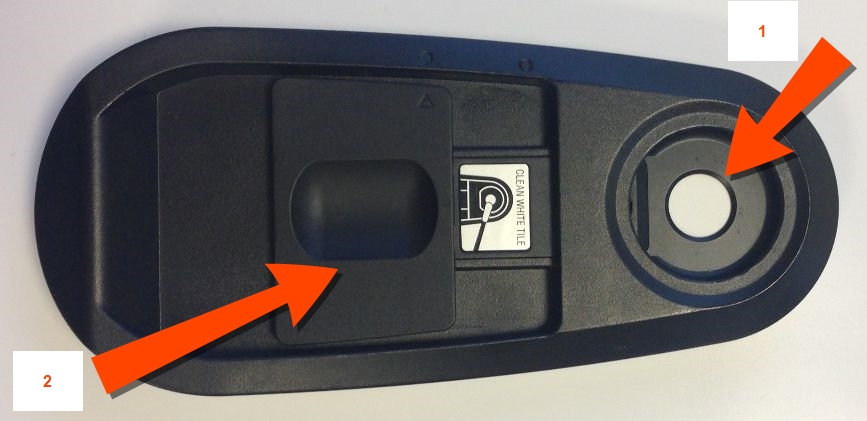
i1iO2
If your media is too close to your measurement device, it can scratch the target before the swatch’s measurement so the values can be wrong. Set your i1iO table correctly and adapt it to your media’s height.