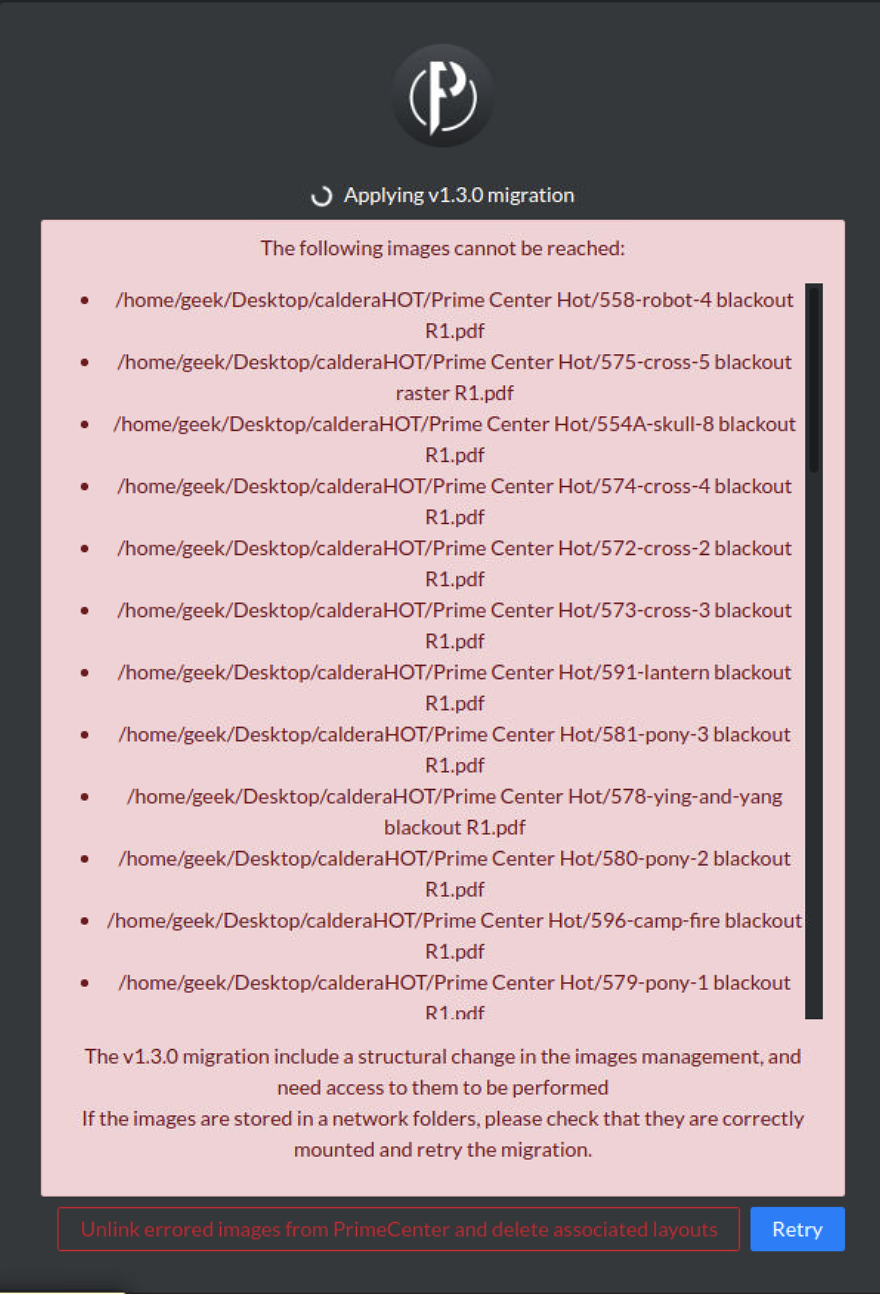
You may encounter the following error and "not able to unlink the errored images" after upgrading PrimeCenter from version 1.3.x to version 2.0.
The error will occur if the recommended procedure was not followed correctly before the upgrade.
"Unlink errored images from PrimeCenter and delete associated layouts"
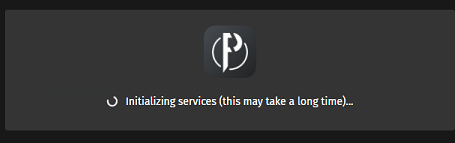
And when proceeding you might be stuck in the following screen (initializing services):
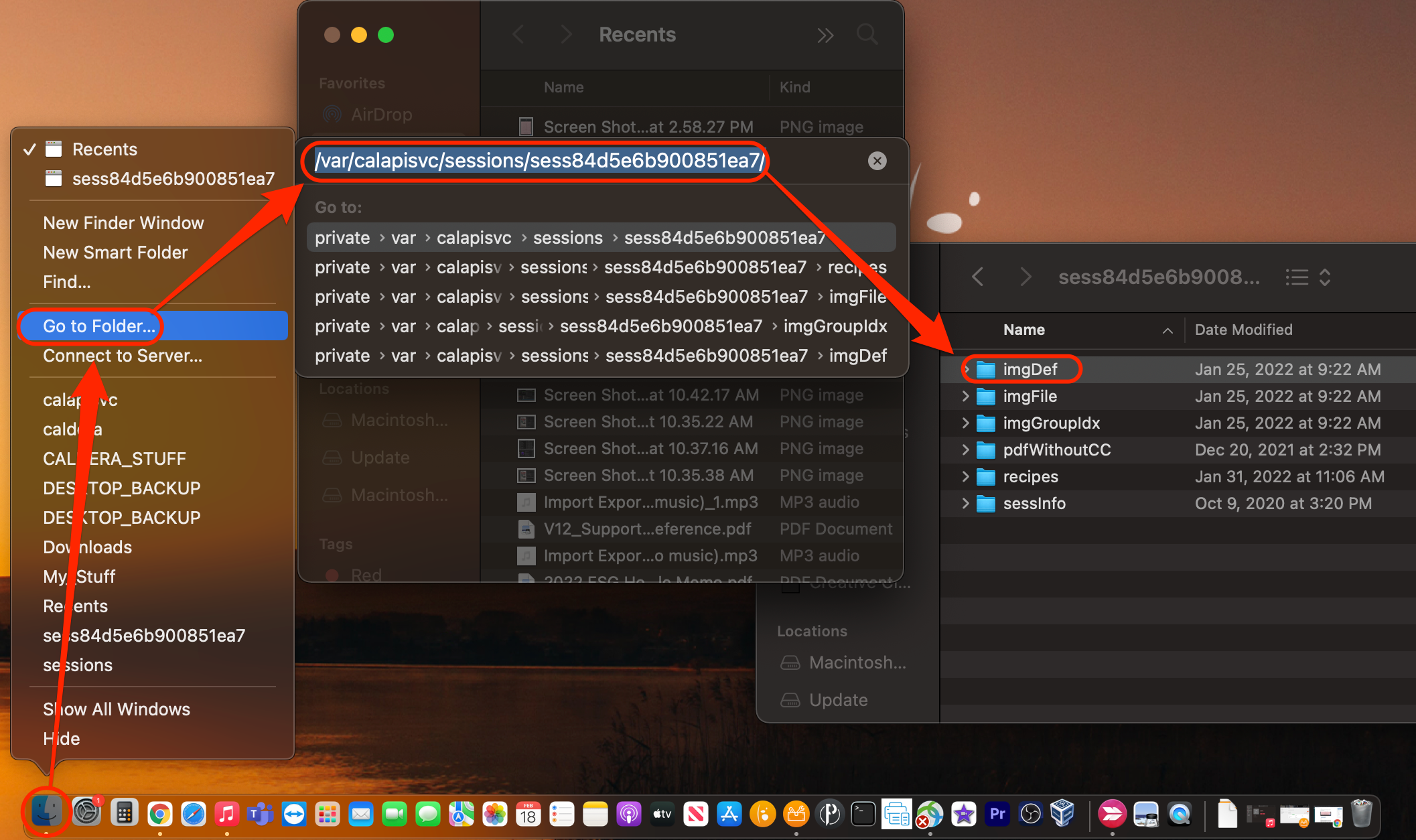
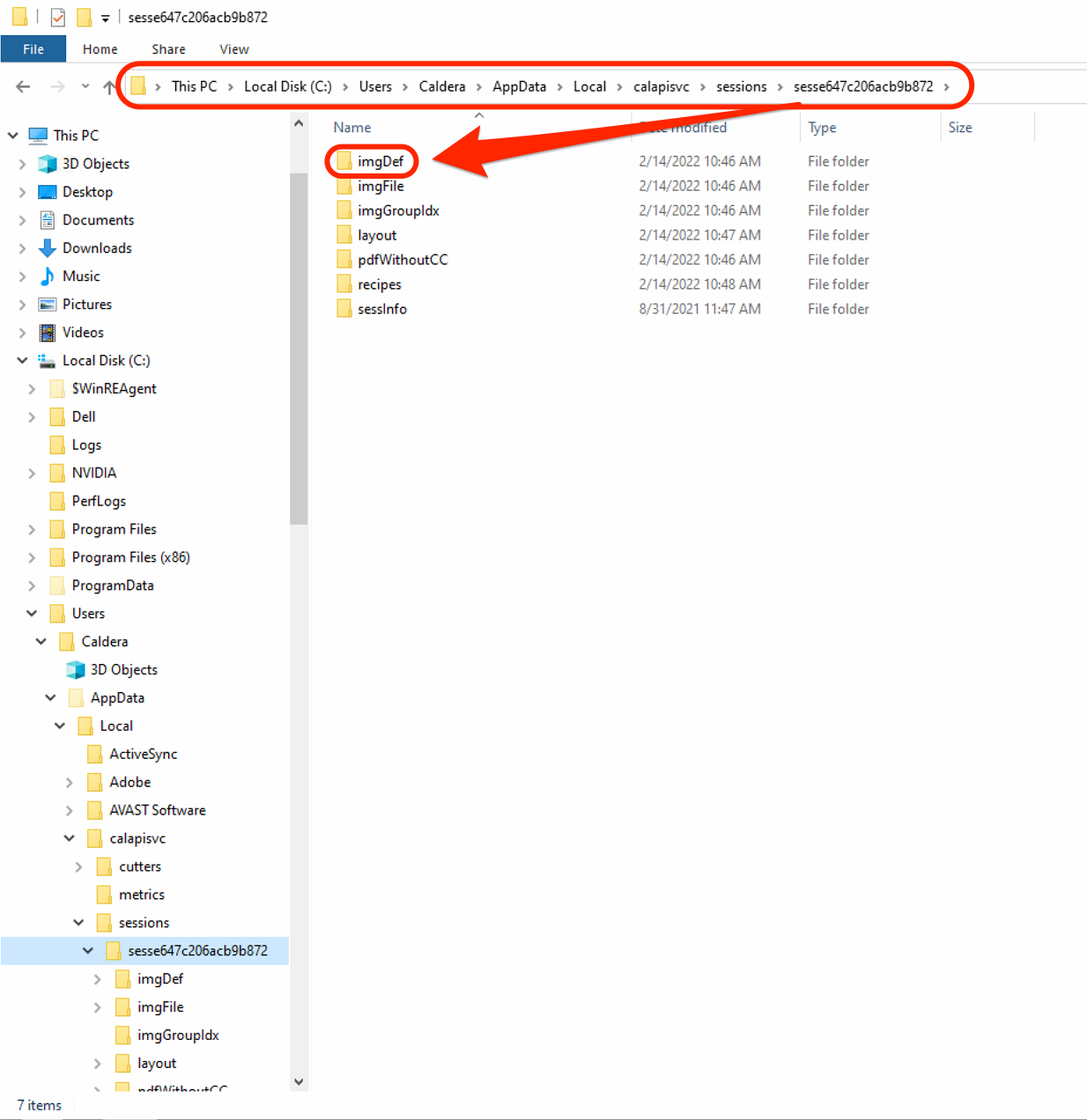
To resolve the error, navigate to the following file path...
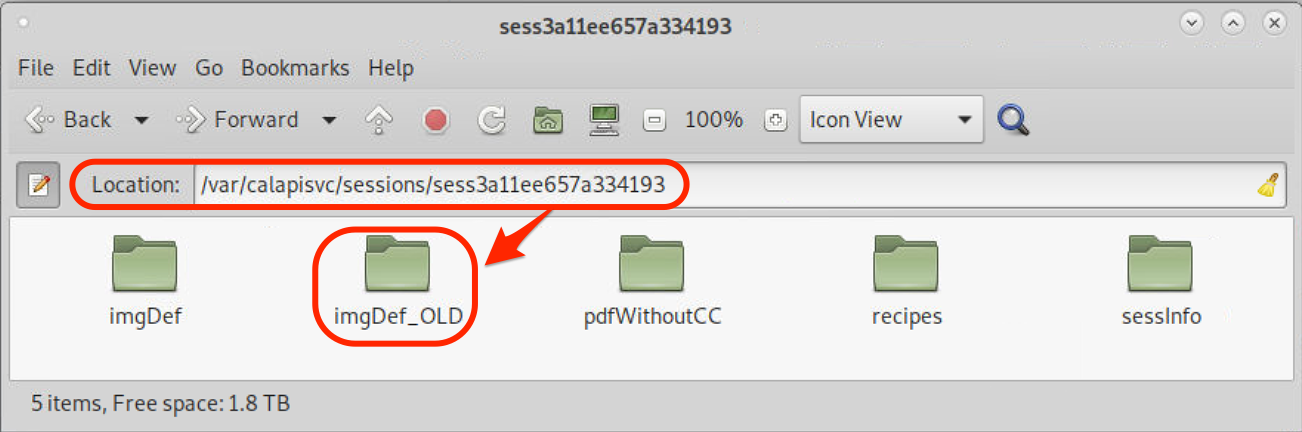
- /var/calapisvc/sessions/sess***********/
- Rename or delete the "imgDef" folder
Mac:
Control+click on the Finders > Go to Folder > /var/calapisvc/sessions/sess***********/
Linux:
Open any folder > Location > /var/calapisvc/sessions/sess***********/
Windows:
Open a Folder and navigate to > This PC > Local Disk (C:) > Users > USERNAME (caldera in this example) > AppData > Local > calaplsvc > sessions > sess***********
Also after renaming the folder, restart services from CalderaDock:
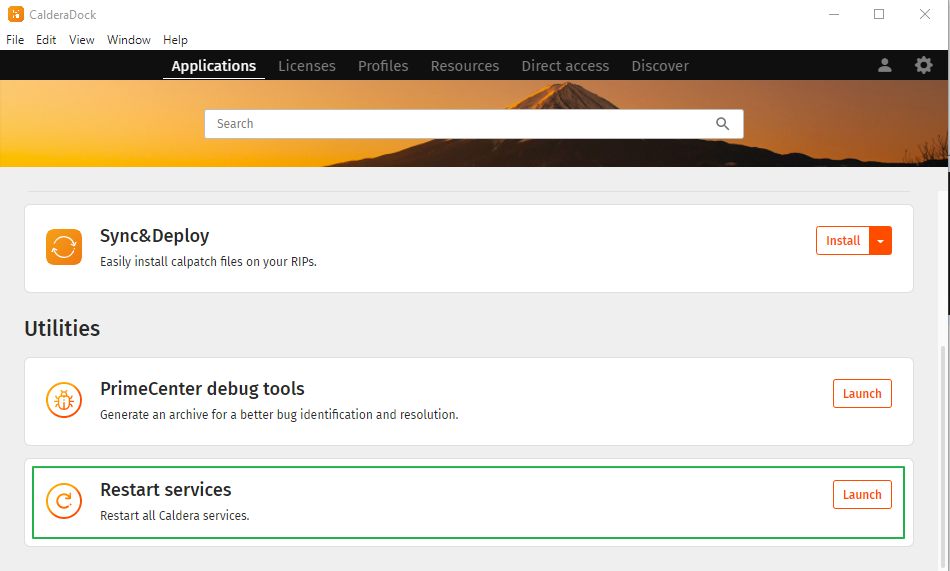
Then launch PrimeCenter.