Spot Ink tab
Kornit Presto MAX can use white as a spot ink. Note that, combined with the specific white parameters, the operator can generate white and color jobs and manually group them in the controller (refer to Kornit printer manual).
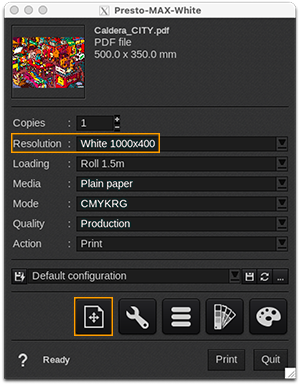
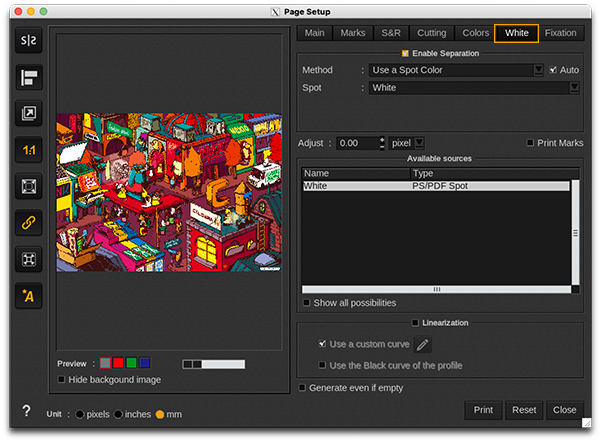
To configure this spot ink, you need to select the resolution "White 1000x400" on the Print Module Interface of the proper driver, and then make the configurations in the "Page Setup" window:
| Info - To have more details on this specific tab, please refer to this article about Spot Inks. | ||||