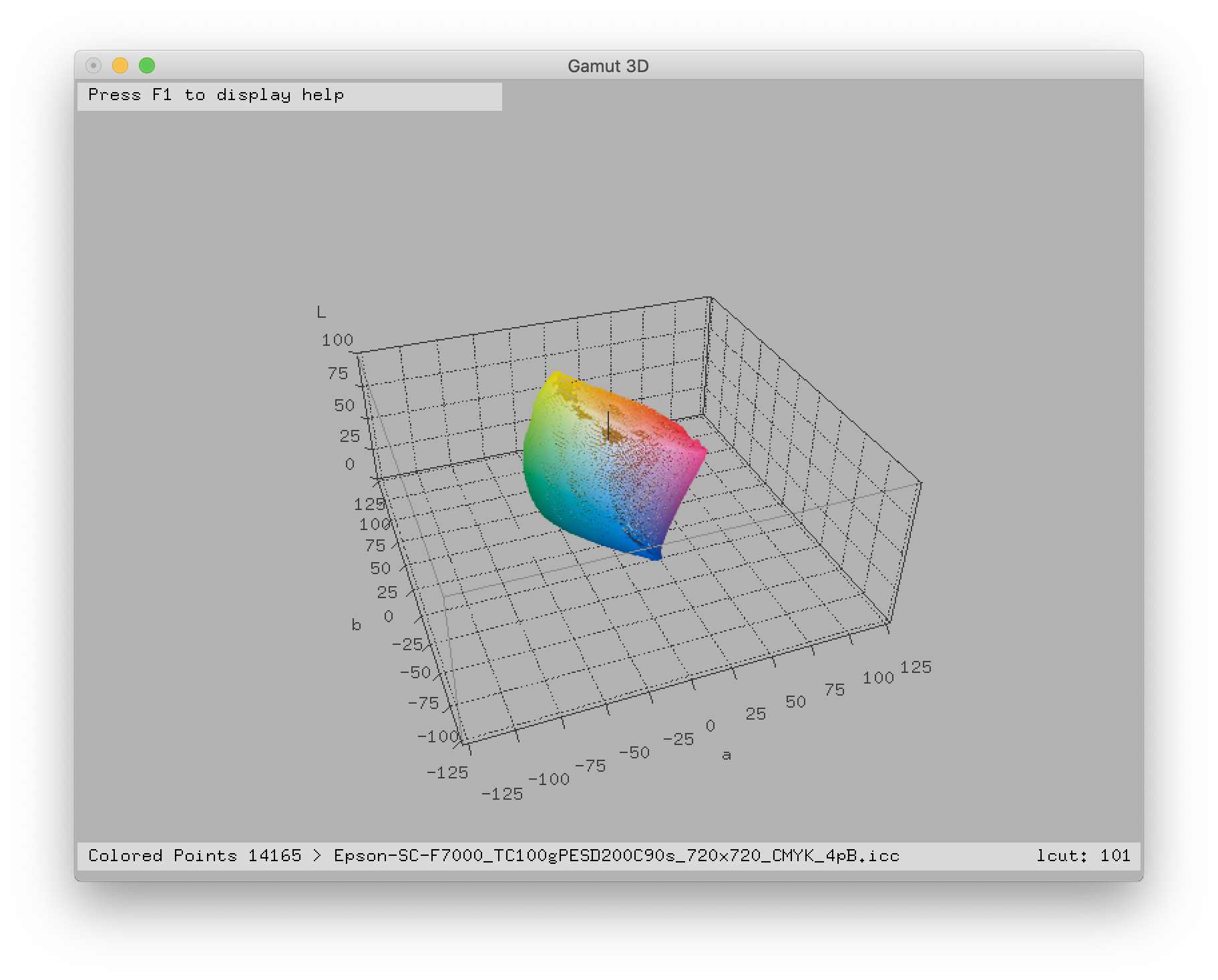
After doing the linearization and the ink limit steps in EasyMedia, you can make the profiling step. The profiling step is used to create an ICC profile, which describes the conversion math between RGB/CMYK and Lab.
Process
- Select Create a new ICC profile with I1 Prism V2 and click on Next.
- Select your device and the profiling target wanted. It is advisable to choose a target with more than 320 patches for more accuracy. Click on Next.
- Set up your print settings and click on Print. Click on Next.
- Click on Setup to choose your Device setup.
- Place your profiling pattern on your measuring table and click on Start. Your device will calibrate itself and start the measurement. For manual measurements, EasyMedia indicates which line to measure.
- Select the profile size. Large provides more color accuracy but it will be a heavier file.
- Select the perceptual rendering and the viewing conditions. Click on Next.
- Select the separation mode. Click on Next.
- Your ICC profile is built. To check it, click on Next and print a testing target.
You can check the profile gamut by clicking on Gamut viewer. You can compare it to another profile by clicking on Another profile.
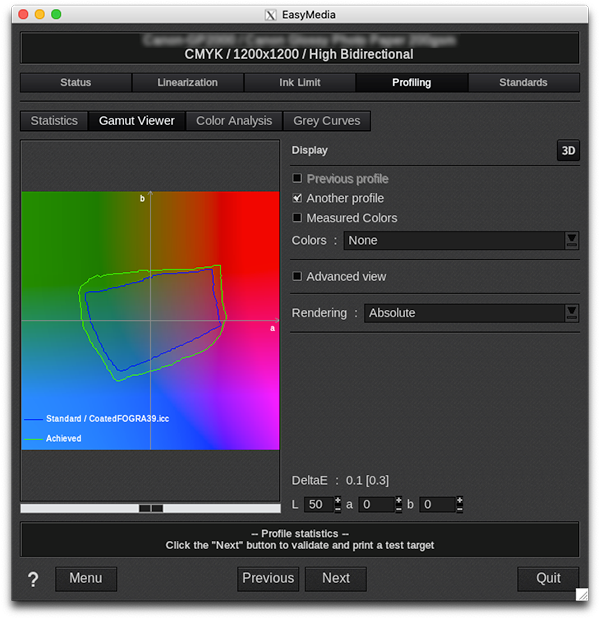
You can also see 3D gamuts by clicking on 3D.