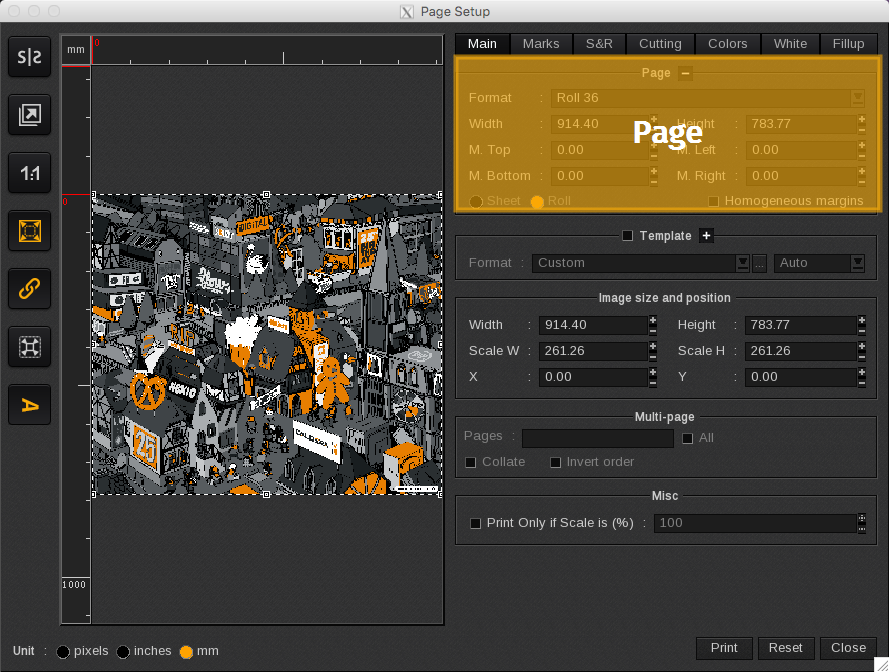
The Page area displays media page setup and printable area information:
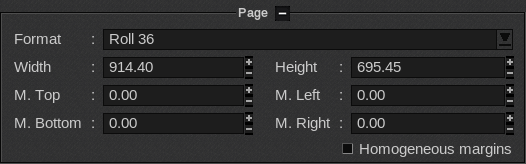
- Format: Lists media printer feeding selection. This is the same field as the Loading field located in the Print module’s Main Window. If you change the format selection in either field, it will automatically change the other one.
Info
Please refer to EasySelect for the use of the CustomLoading and AutoLoading.
- Width and Height: Displays the roll or sheet dimensions, including the margins. By default, it uses the value defined in the Printer Configuration set in the ServerAdmin module. In roll mode, the height is not taken into account.
- M. Top, M. Bottom, M. Left, and M. Right: Lists the margins’ dimensions. The margins are displayed in green in the Preview.
- Homogeneous margins: Applies the same margin dimensions to each side of the page.