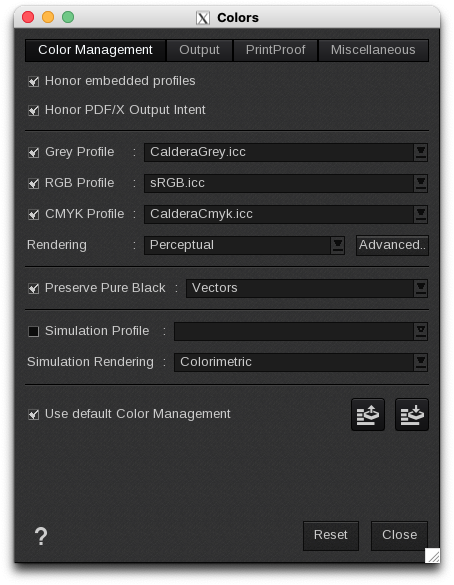
- Color Management: mainly manages the input profiles.
- Output: manages the output profiles.
- PrintProof: generate approval images
- Miscellaneous: manages other elements linked to color management.
Two buttons are available at the bottom of the window:
- Reset: erases the custom configuration to set the default one as it is in the Color Configuration module.
- Close: closes the window. Changes are automatically saved.